

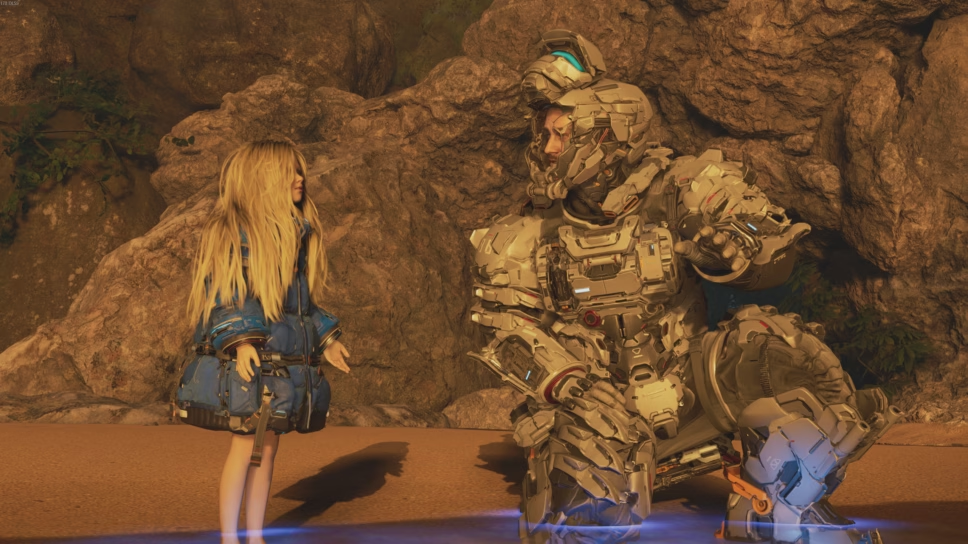
Pragmata is an old school type of game with level checkpoints, but how do you actually save your progress?
Pragmata is by no means an extremely difficult game, but there are still times when you might want to save your progress in case you end up dying. Or, perhaps you want to stop playing and simply want to save so you can pick up where you left off the next time you continue your lunar adventure.
Well, Pragmata does have a save system, but it works a little differently than you might be used to. Below, we’ll tell you exactly what you need to do to save your game in Pragmata.
How to save the game in Pragmata
Chances are, if you’ve come to this guide, then you’ve run into the same issue as so many others, us included. When you go to pause Pragmata and try to save the game, you’re met with a grayed-out “save” button in the “System” tab of the menu. This can be quite frustrating, as you have no way of saving the game where you currently are.
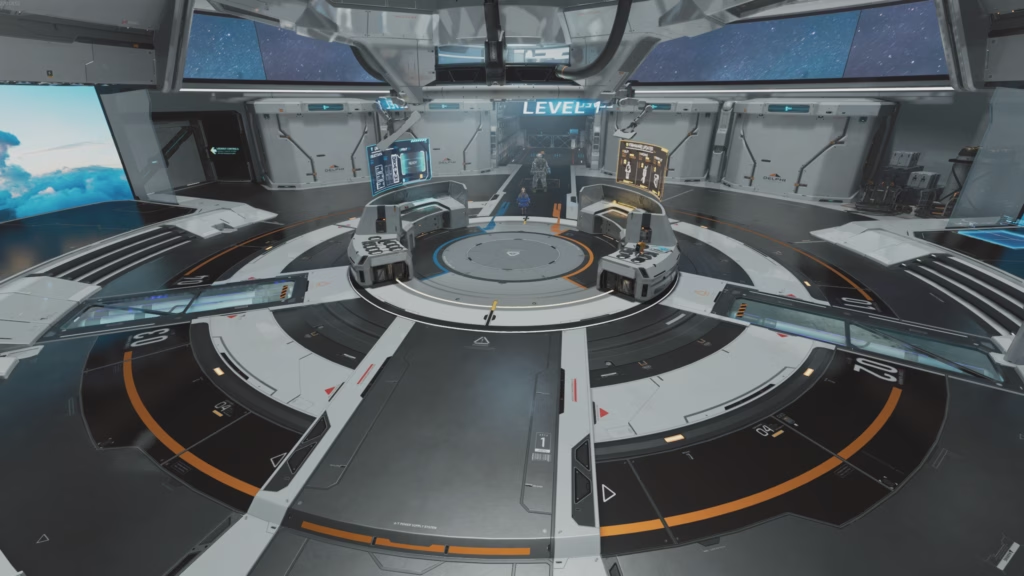
This is because Pragmata only allows you to save the game under specific circumstances. If you don’t meet those circumstances, then you are totally unable to save your progress. If you close the game without saving, then the next time you boot up the game, you’ll find yourself back at the Shelter with a solid chunk of progress missing from your save file.
To avoid that happening to you, it’s imperative to understand how saving works in Pragmata. We’ll explain quickly so you can get back to the game:
- First off, you can only manually save your progress while your character is in the Shelter. If you’re outside of the Shelter and instead in a level, you won’t be able to press the save button
- Fortunately, Pragmata features several checkpoints across every level that allow you to be immediately teleported back to the Shelter. This gives you a chance to heal back to full health, change weapons, and make some upgrades. While you’re in the Shelter, you can save and create a new save file
- When you want to leave the Shelter, you can use the Tram system to quickly head back to your last-visited checkpoint or any other one you’ve discovered
- Finding those checkpoints in a level is another way to save your game as well. When you hack one of these checkpoints, you’ll see a loading icon appear in the top-right of the screen. This indicates your game is saved, and if you exit out of the game right after that icon disappears, you’ll respawn right where you are next time you play
- Basically, your only way to save in Pragmata is to do it in the Shelter or keep finding checkpoints in a level
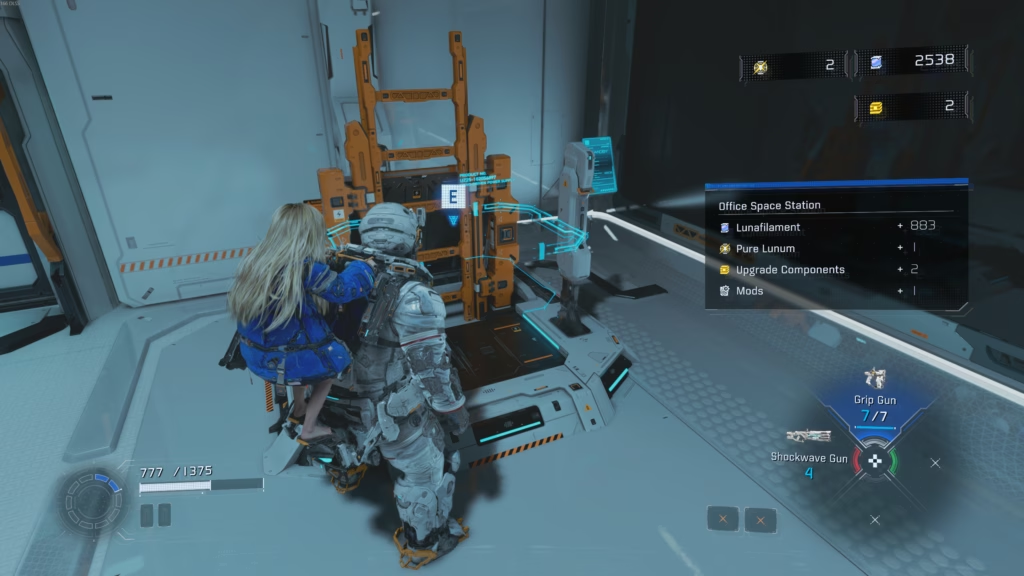
So, to quickly sum up, checkpoints are your best friend in Pragmata, aside from Diana. They act as save points themselves, but they’re also used to quickly head back to the Shelter to manually save your game.
Even if you don’t want to save yet, using the checkpoints to go back to the Shelter is always a good idea in the middle of a level. It heals you, restores your health charges, and lets you re-gear. It also doesn’t cost any time, as you can quickly do all of that and then head back to the checkpoint where you just were using the Tram.