

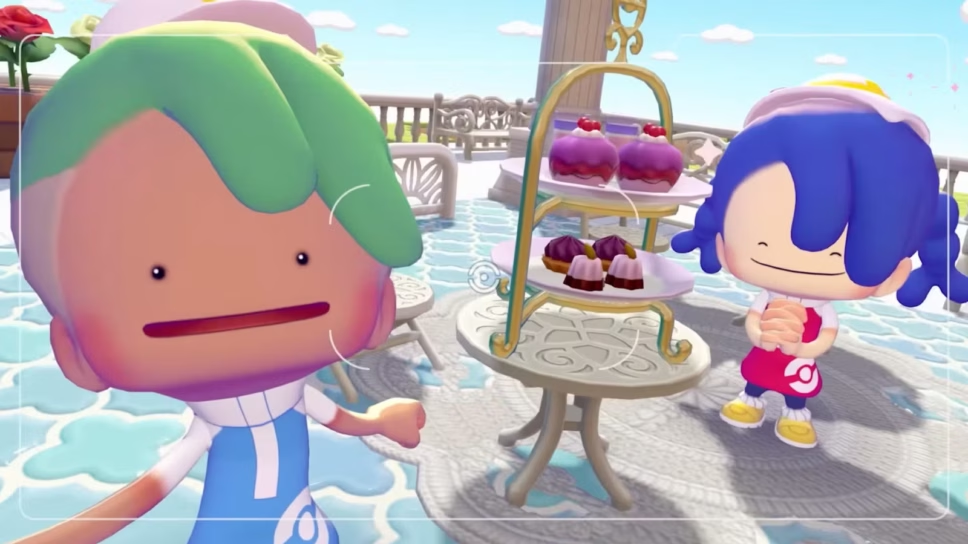
One of Pokémon Pokopia’s most appealing factors is its multiplayer, but how does you join someone else‘s world?
One of the biggest sellers for Pokémon Pokopia is its multiplayer, where players can visit other people’s worlds, helping them build or just exploring the land they have created. Here is a guide on how to join someone else’s world in Pokémon Pokopia.
How to join your friend’s world in Pokémon Pokopia
Everyone wants to show off their world in Pokémon Pokopia. The game allows trainers to travel in any direction they choose, giving players creative freedom.
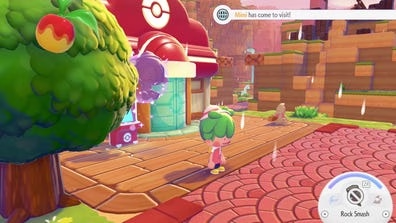
What makes the game even better is the fact that you can build worlds with your friends, or simply just explore theirs. So, how does one join a friend’s world in Pokémon Pokopia? Well, it is quite simple.
Here are the steps to joining someone else’s world in Pokémon Pokopia.
1. Use the PC in a Pokémon Center

First things first, you need to access a PC in a Pokémon Center, whether the Pokémon Center has been rebuilt or not. However, Link Play (which you need to play with friends) will not be available until you reach Pallet Town, which can be done by following the long bridge on the Western Beach.
2. Access Link Play
Once you have accessed the PC in Pallet Town, you will need to click Link Play, which will then prompt you to enter a Friend Code under the tab, “Visit a Friend.”
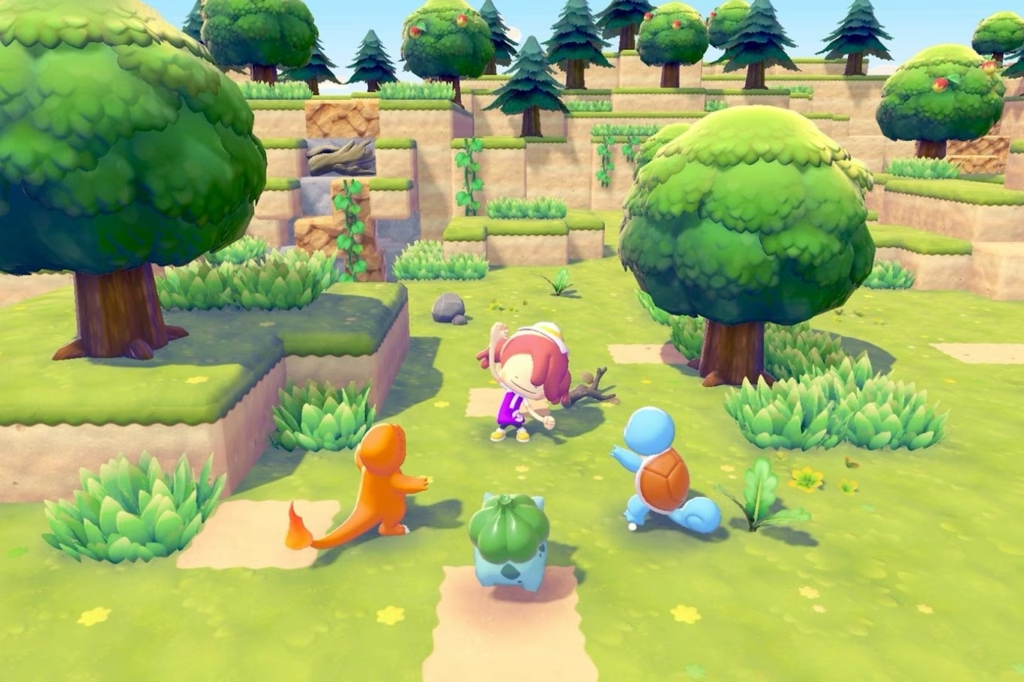
Once this has been done, you will have access to your friend’s world. You can even access worlds you create together while one player is offline, making Pokopia reminiscent of Minecraft.
Pokémon Pokopia’s multiplayer is a great way to enjoy the game with friends, creating worlds and habitats for each other’s Pokémon to thrive in.
Will you be enjoying Pokémon Pokopia with a friend? Or is this a game you prefer to explore by yourself?