

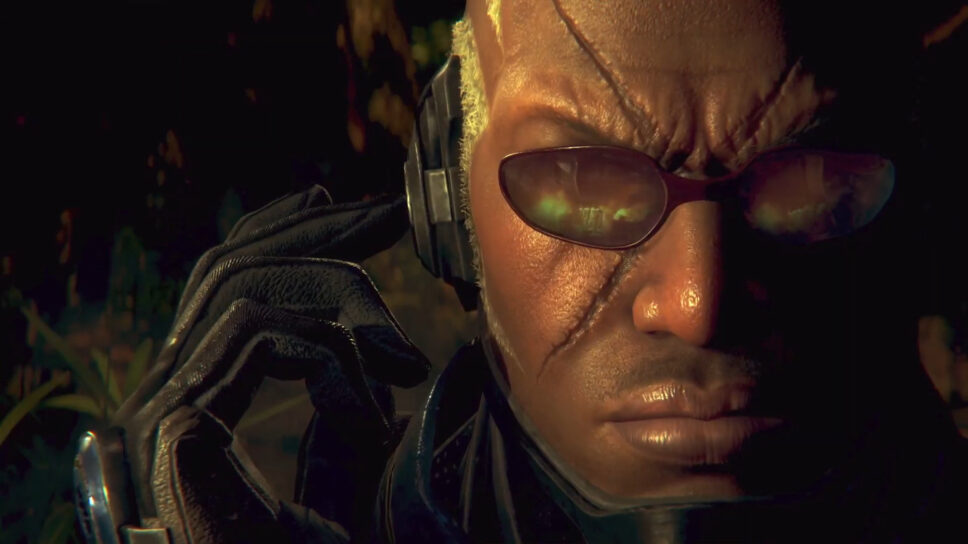
Bored of the classic fighter skin? Don't stress, there are heaps to choose from.
Tekken 8’s skins are glorious and worthy of praise. Players can dress their favorite character up to their heart’s content in this installment in the franchise.
Skins equal wins. It’s a tried and tested equation and it’s worth making your fighter special in its own way. Feel free to express yourself and go wild, because Tekken 8 lets you go nuts with customization.
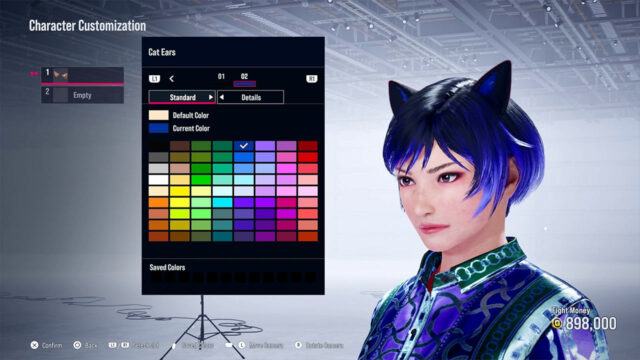
Table of contents
How to create your own skin preset
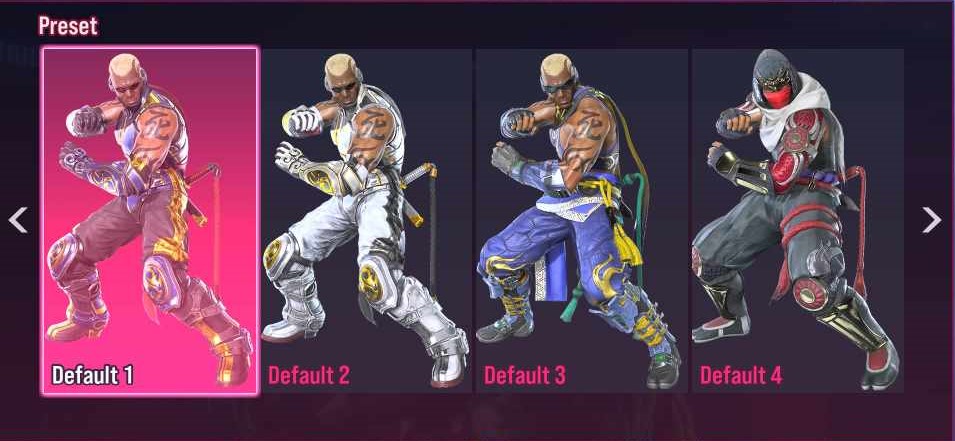
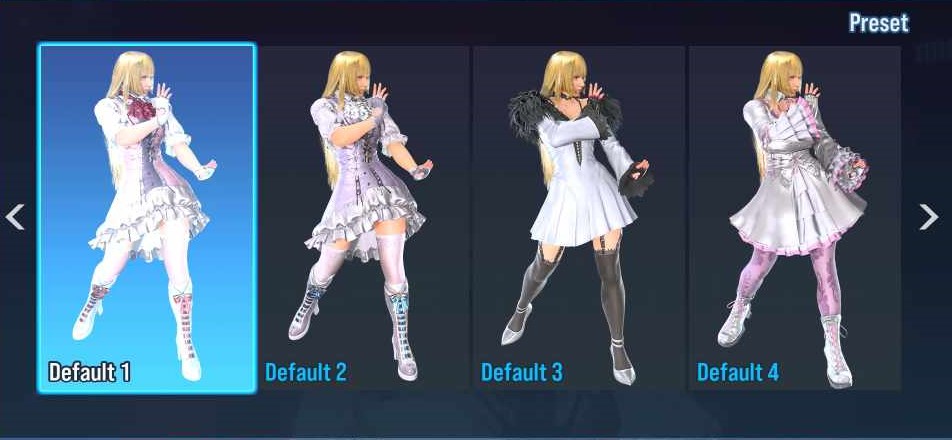
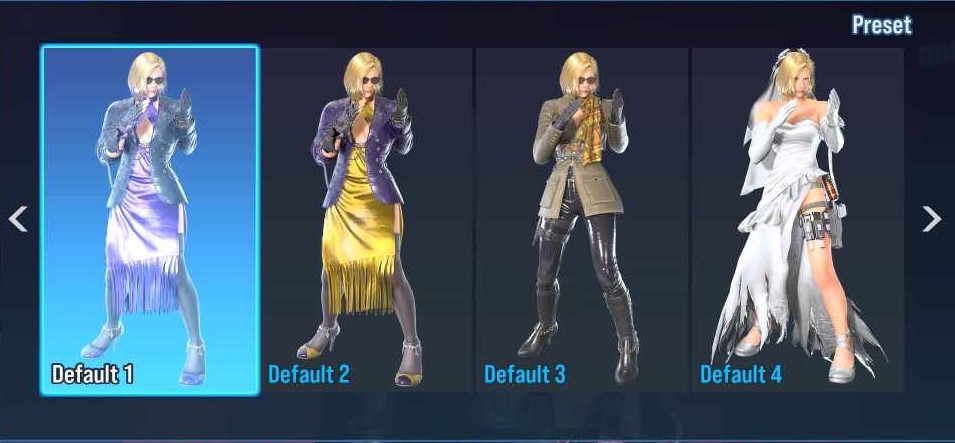
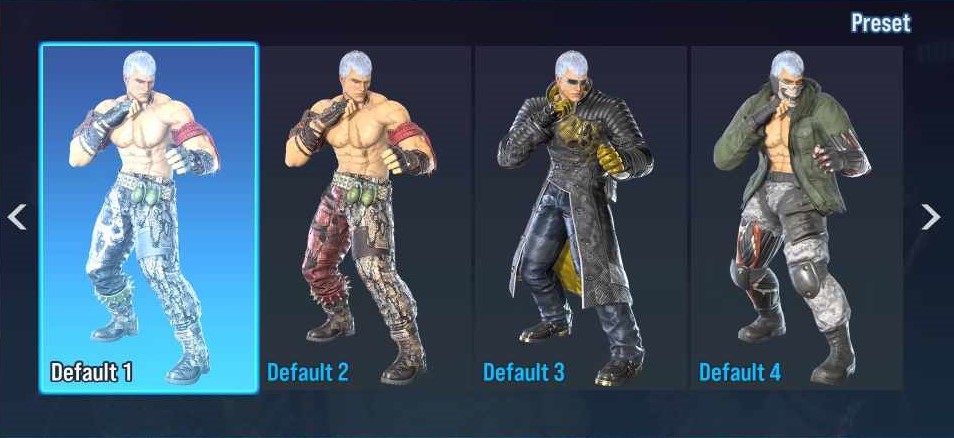
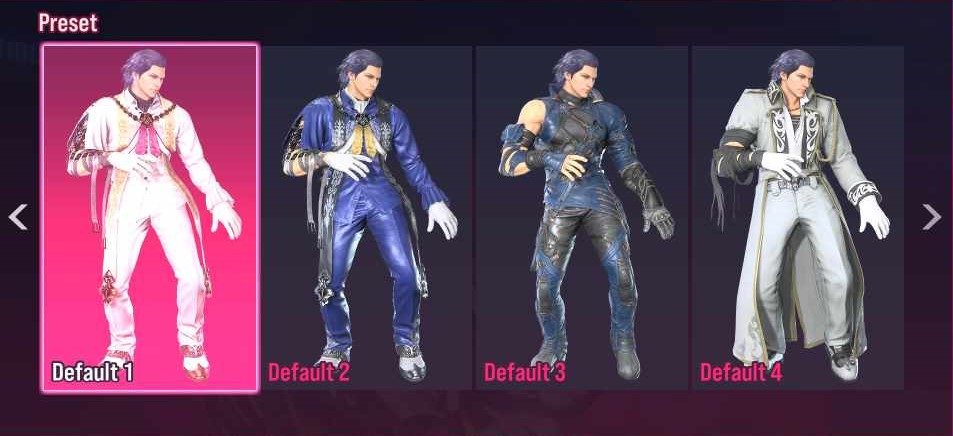
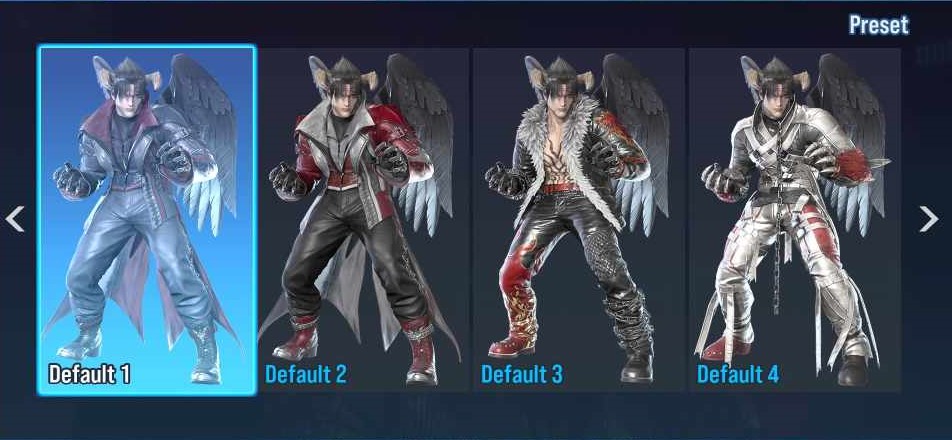
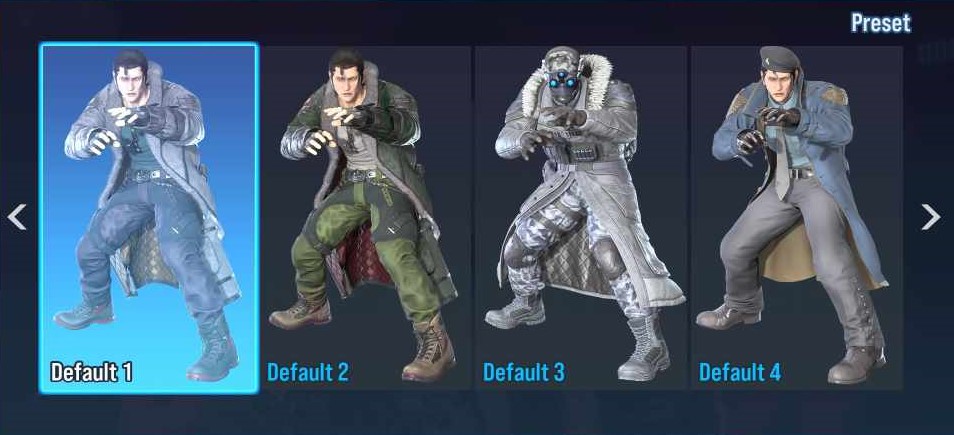
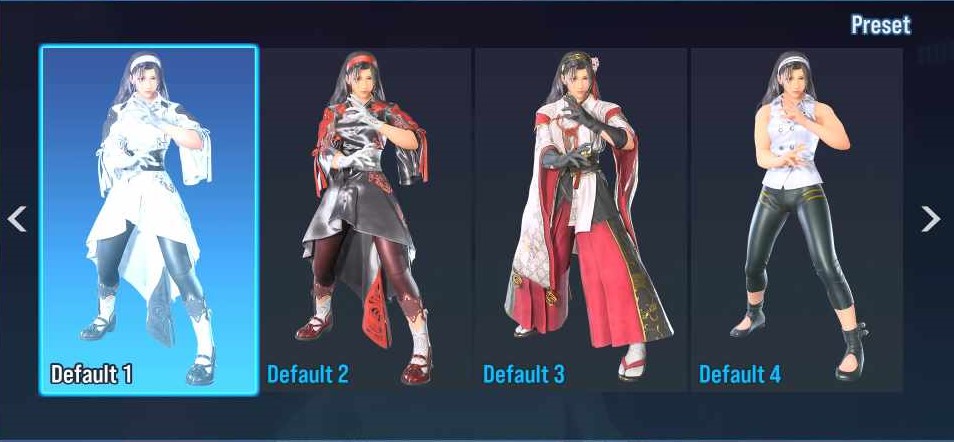
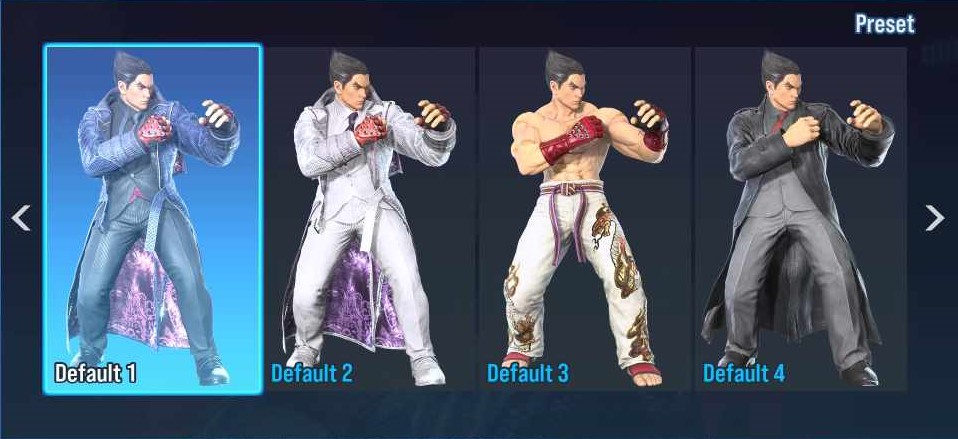
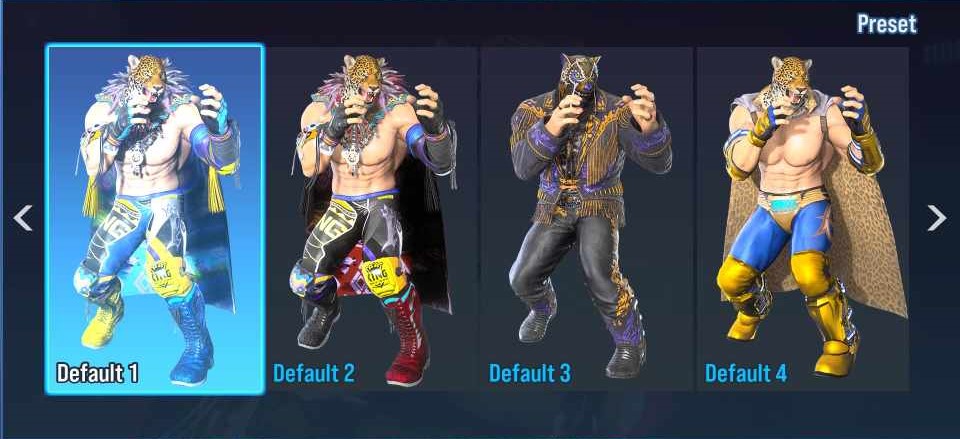
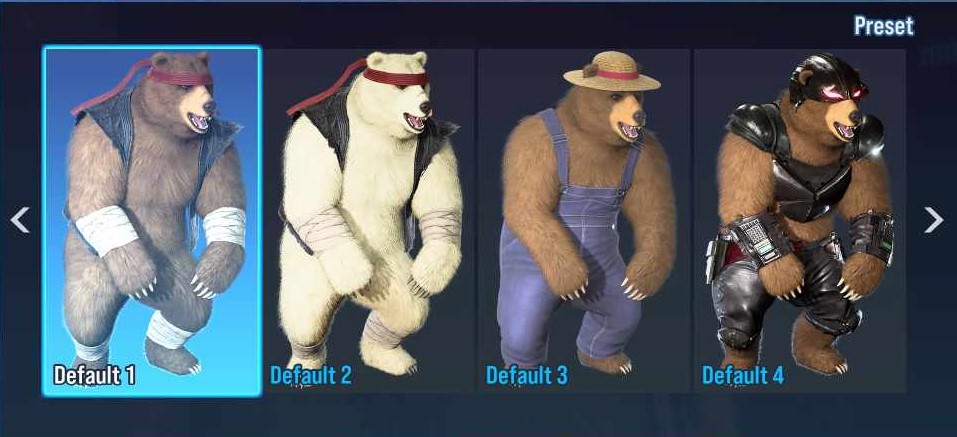
To see your Tekken 8 skins, all you have to do is press square in the character select to see the four default skins available.
If that doesn’t tickle your fancy, there are more intricate ways to change up the appearance of your character. To customize your favorite fighter, simply head to the Customization tab in the main menu.
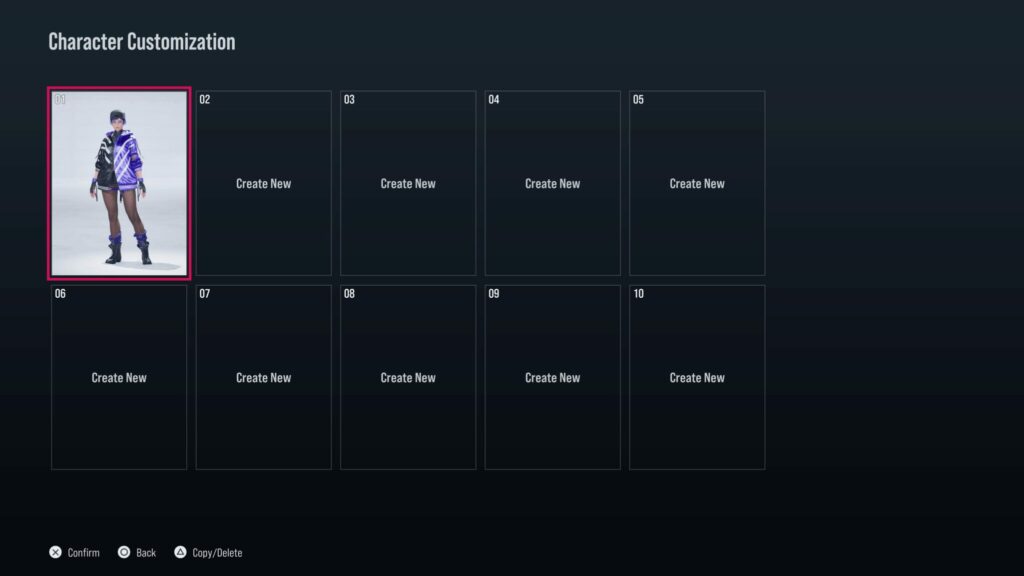
From there, click Character Customization. This takes you to a menu where you can select a certain character. The next step is to choose your desired fighter and change details like:
- Hair
- Upper Body Clothes
- Lower Body Clothes
- Shoes
After a while of playing you might have a lot of customizable items in your inventory. This means you’ll be able to chop and change your characters as you see fit.
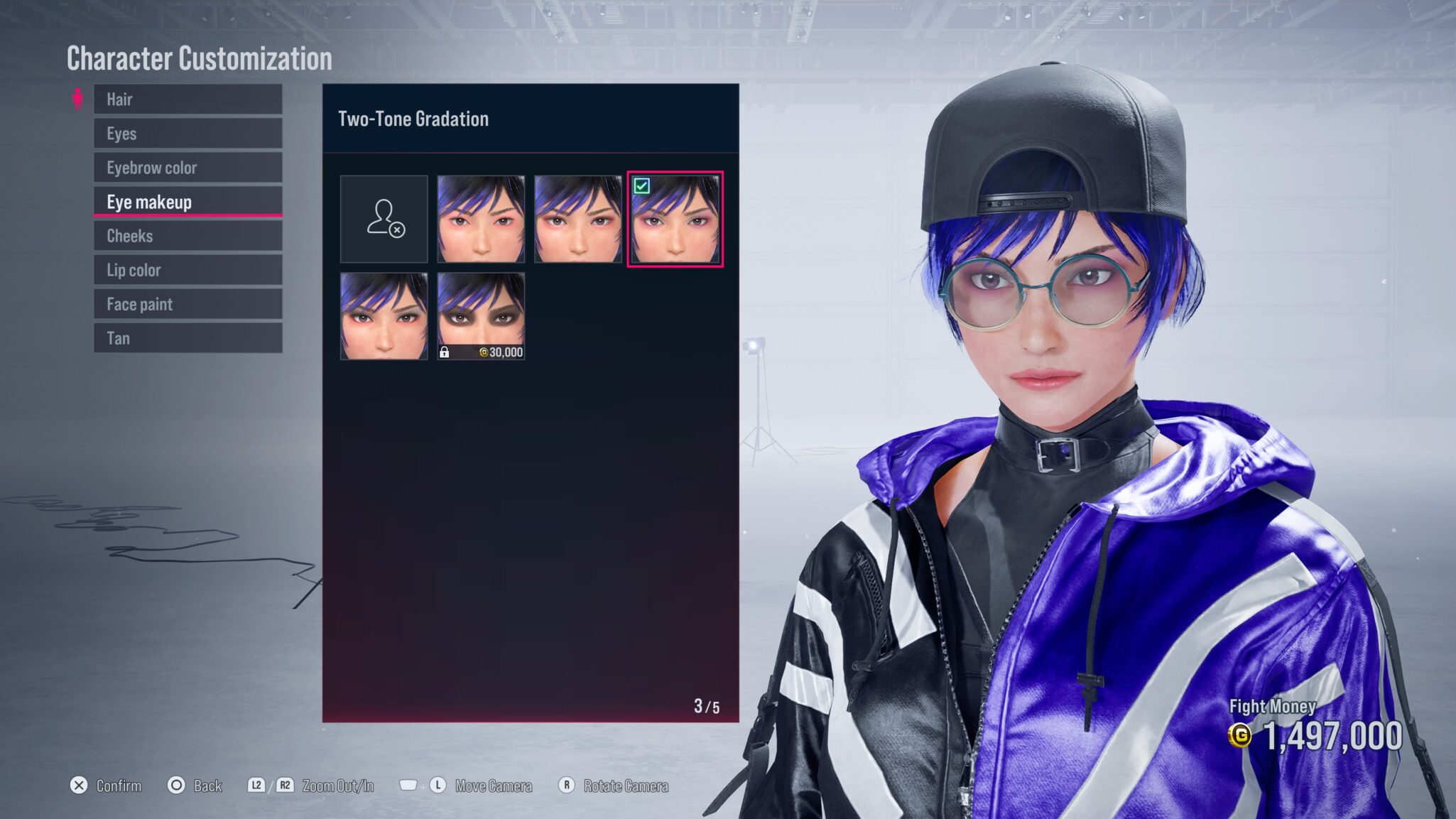
All Tekken 8 preset skins
To see your Tekken 8 fighter skins, simply go into your VS battle, or wherever you’re playing your matches from. Once you’ve found your desired fighter, all you have to do is press square, or the corresponding button on your console or PC.
This will open all your available skins for your upcoming fight. You’ll also see all the player-created skins alongside the pre-existing character clothing. If you haven’t created your own fashion statement yet, fear not. There will be other styles you can wear from the get-go.
Raven
Lili
Nina
Panda
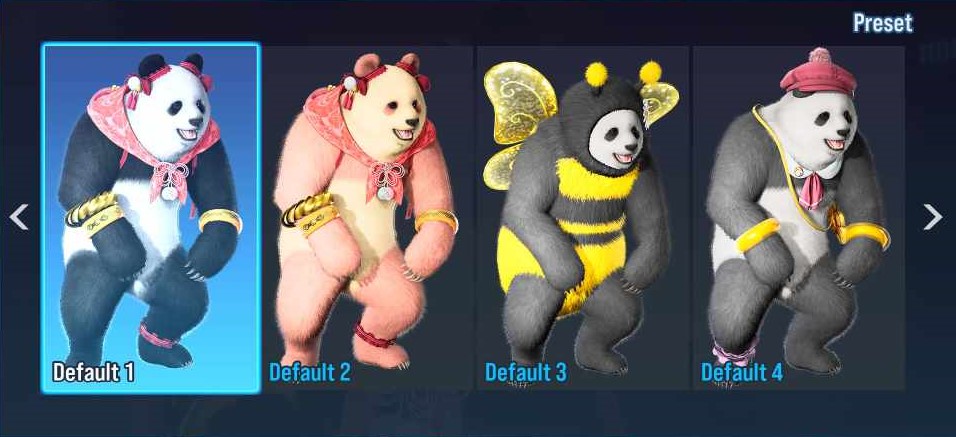
Paul
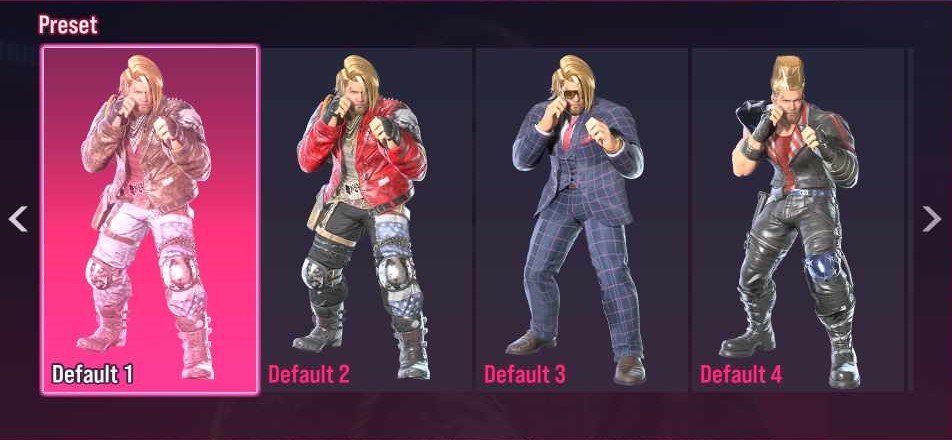
Reina
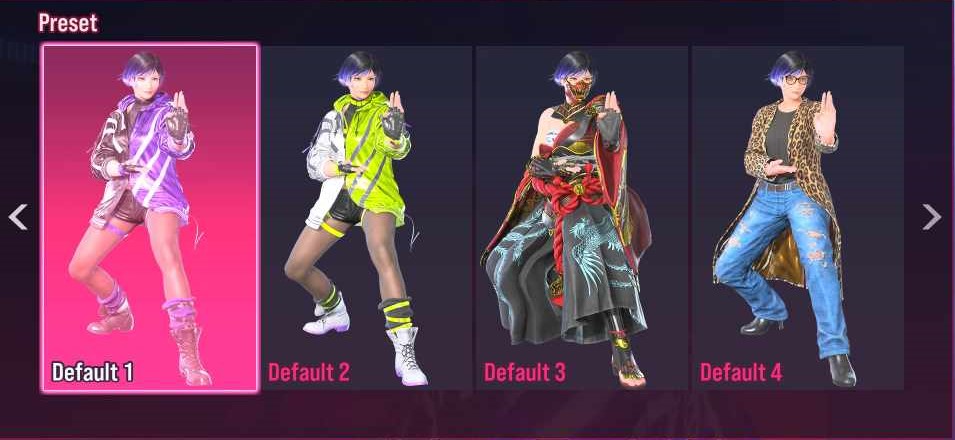
Shaheen
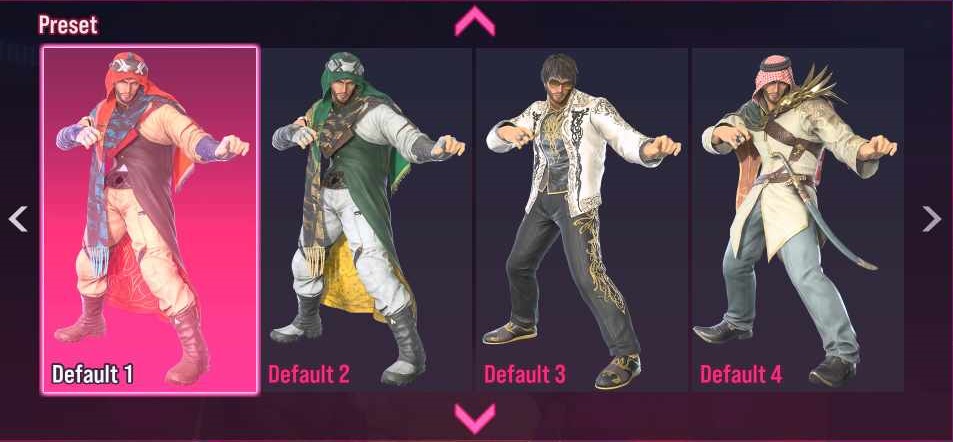
Steve
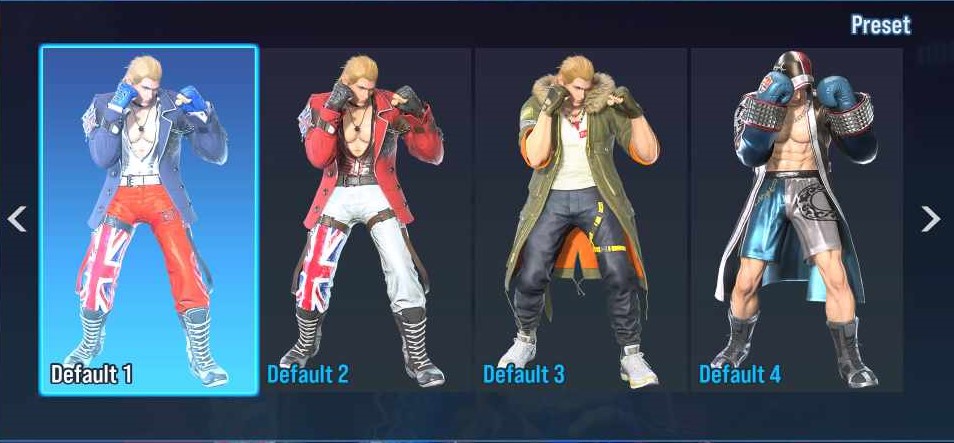
Victor
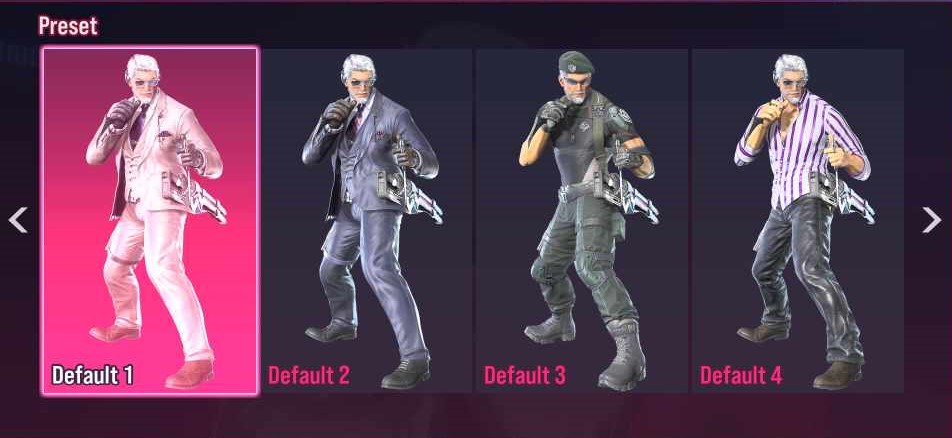
Xiaoyu
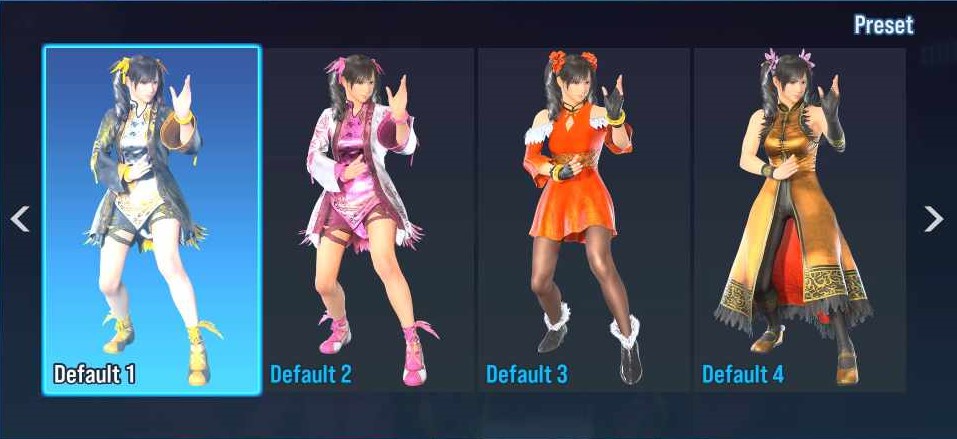
Yoshimitsu
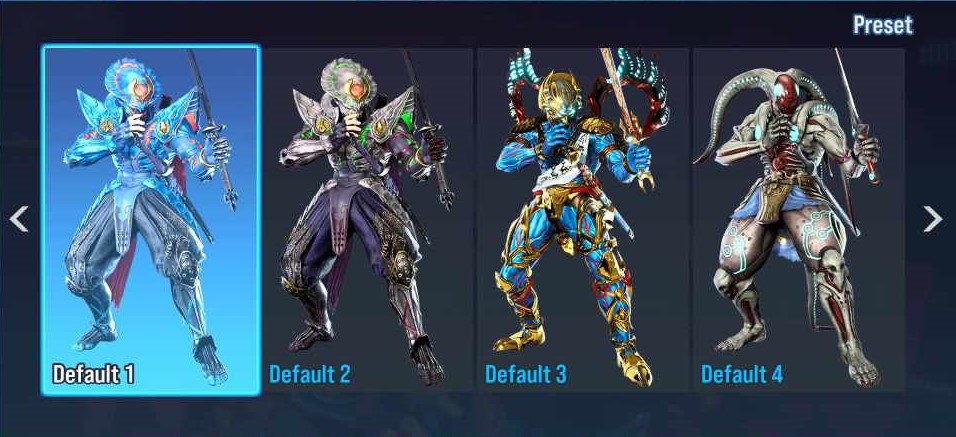
Zafina
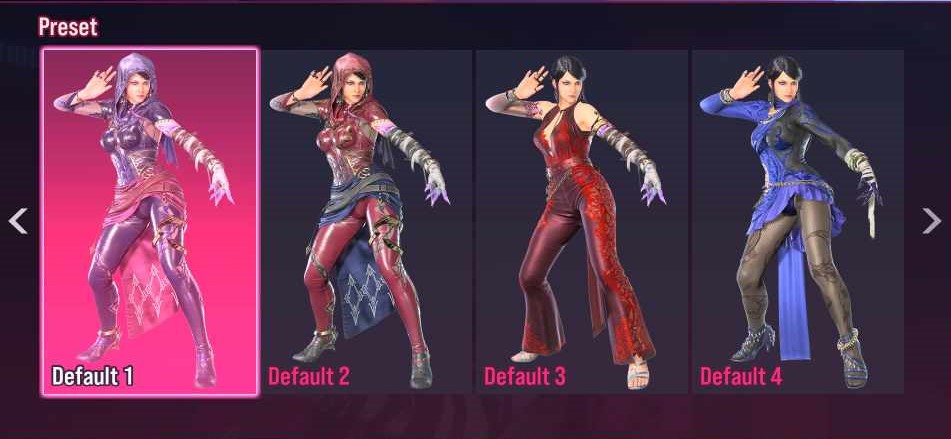
Alisa
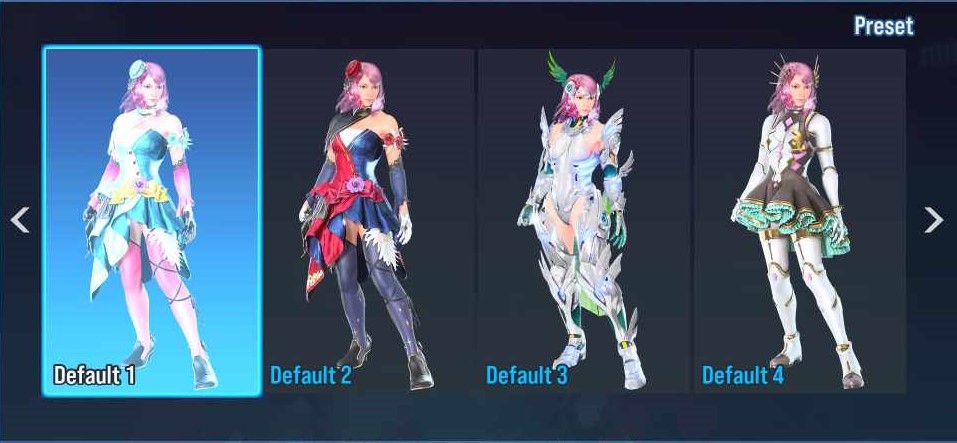
Asuka
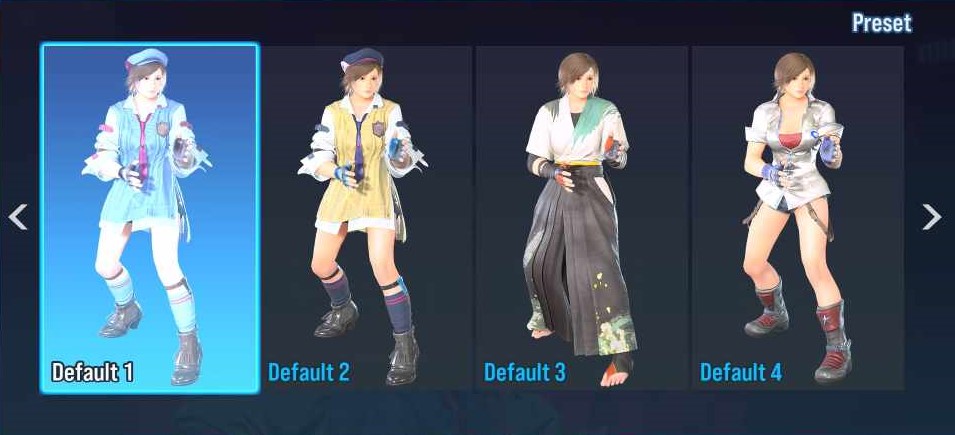
Azucena
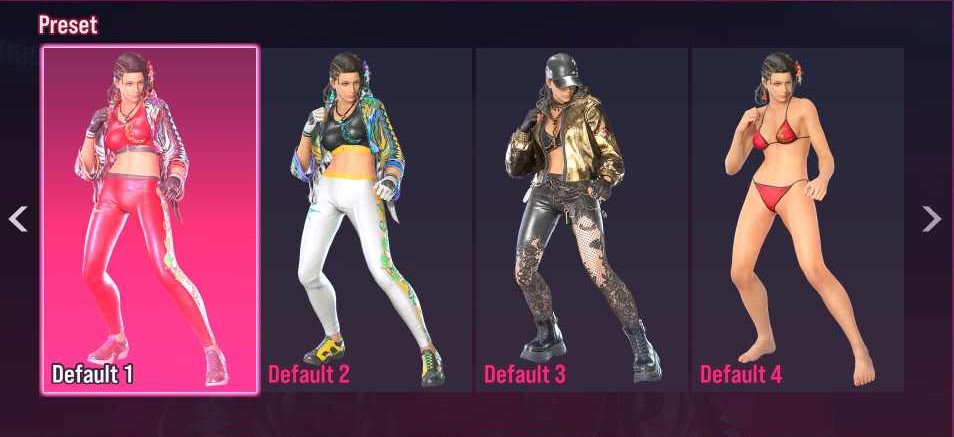
Bryan
Claudio
Devil Jin
Dragunov
Feng
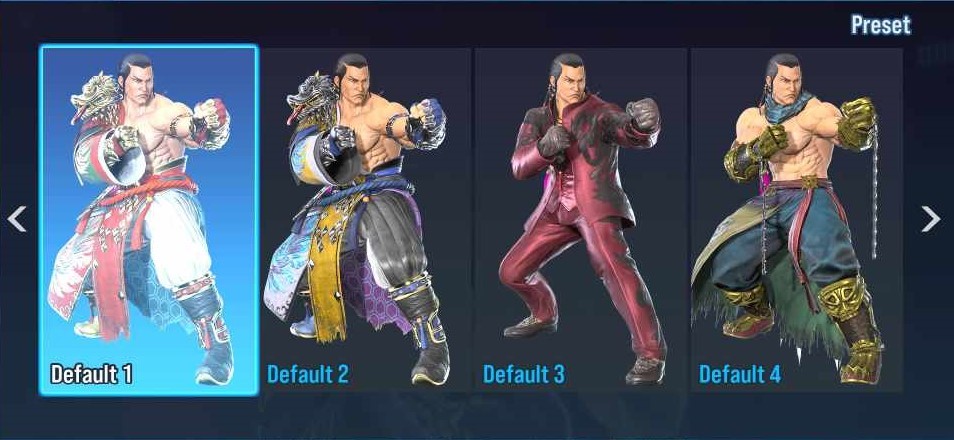
Hwoarang
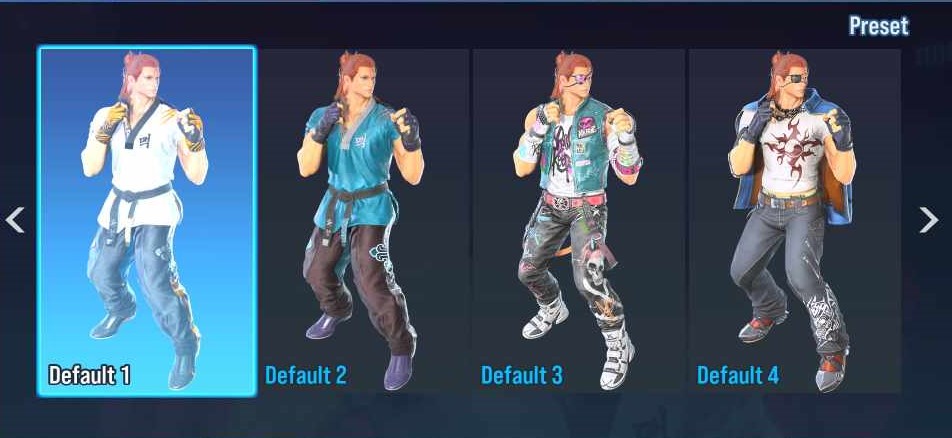
Jack-8
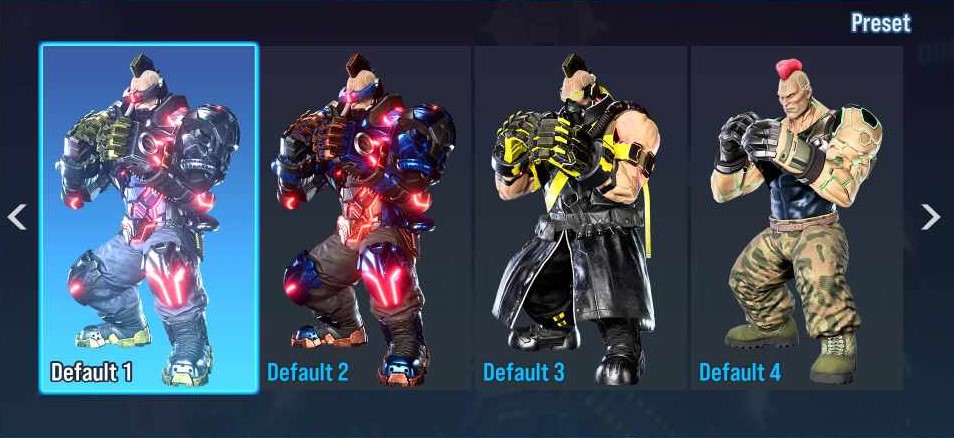
Jin
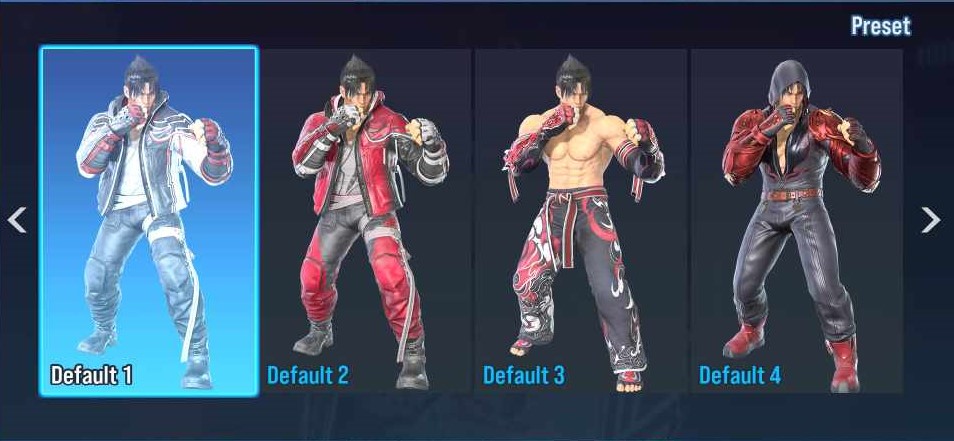
Jun
Kazuya
King
Kuma
Lars
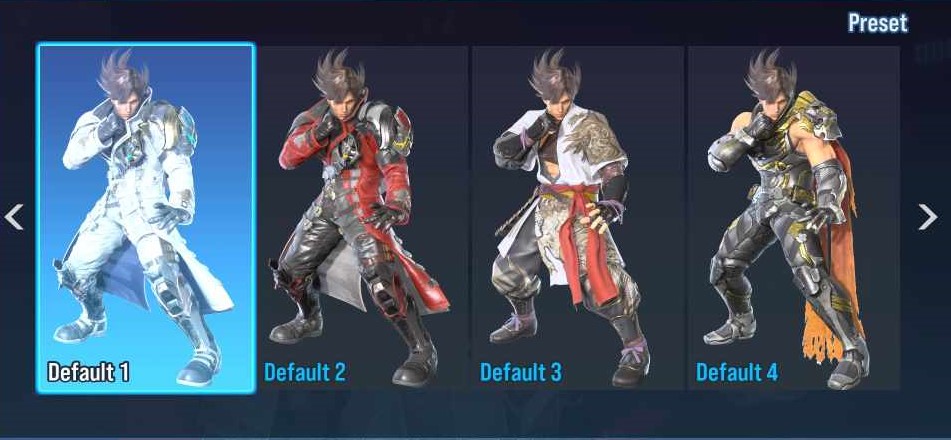
Law
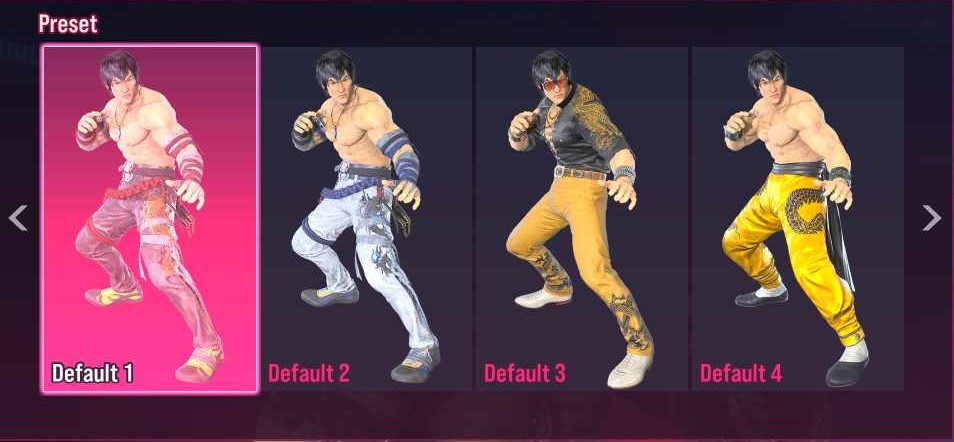
Lee
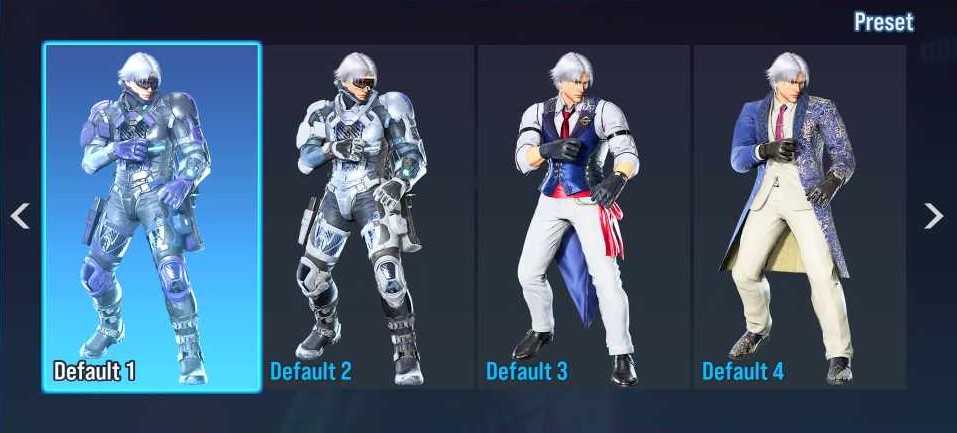
Leeroy
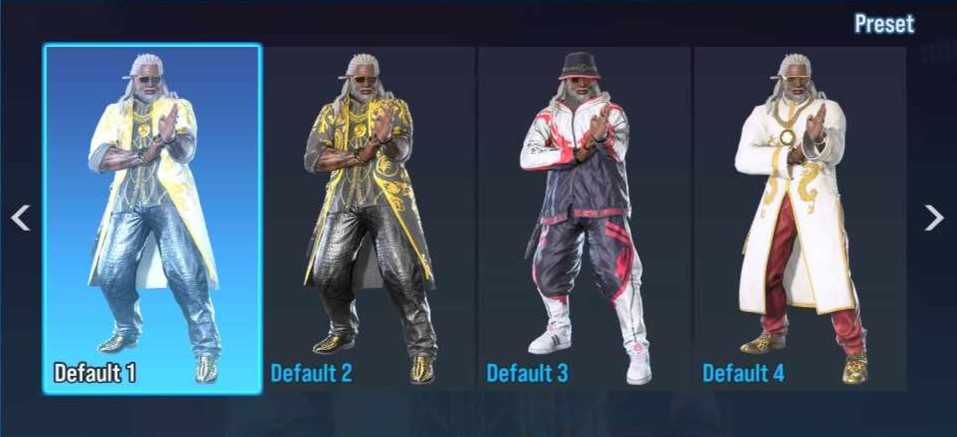
Leo
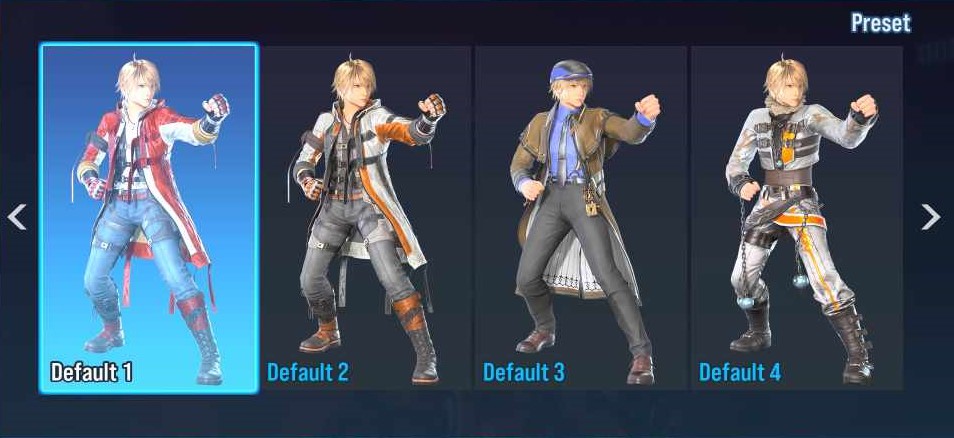
The next step is to choose your favorite Tekken 8 skin and prepare to show it off in the ring.
Keep an eye on esports.gg for more Tekken 8 news and guides.