


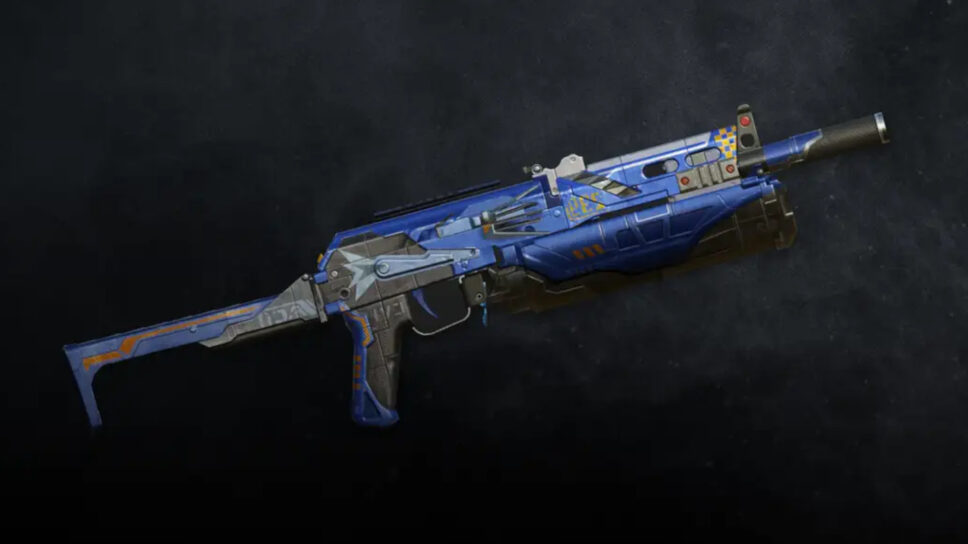
Need an SMG that's good for close-range combat? Here are the instructions on how to obtain the PP19 Bizon - Attaboy Epic Weapon Blueprint for free!
Another free Call of Duty: Mobile (CoD Mobile) item is now available for Prime Gaming members. Read on for the instructions on how to obtain the PP19 Bizon – Attaboy Epic Weapon Blueprint. This guide also goes over how to get a free Prime Gaming trial.

Free PP19 Bizon – Attaboy Epic Weapon Blueprint in CoD Mobile
- Head to the Prime Gaming website
- Search for “Call of Duty”
- Press the “Claim” button
- Click on the “Get-in-game content” button
- Press the “Copy code” button
- Head to the mobile game’s redemption center
- Enter your CoD Mobile user identification number (UID)
- Paste in the free CoD Mobile code
- Click on the the “Submit” button
- Hit the “Confirm” and “Ok” buttons
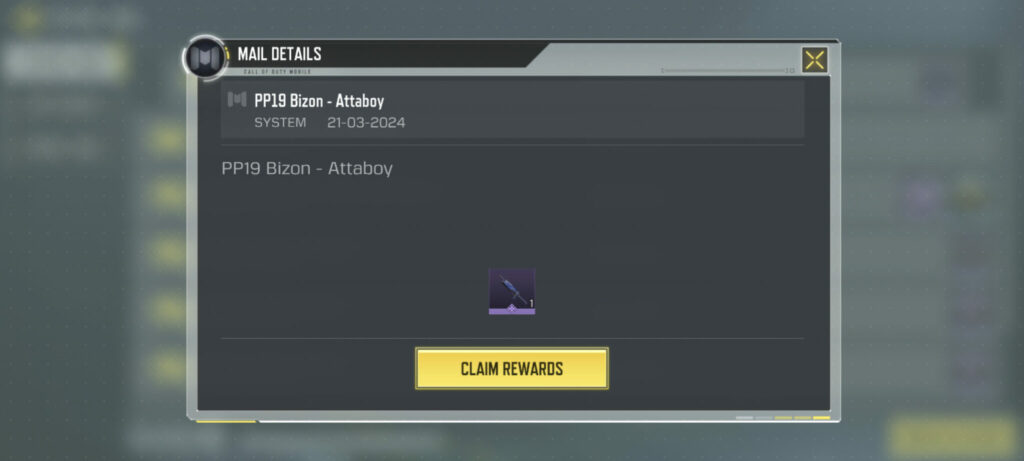
- Launch CoD Mobile and visit your in-game mail
- Collect the PP19 Bizon – Attaboy Weapon Blueprint
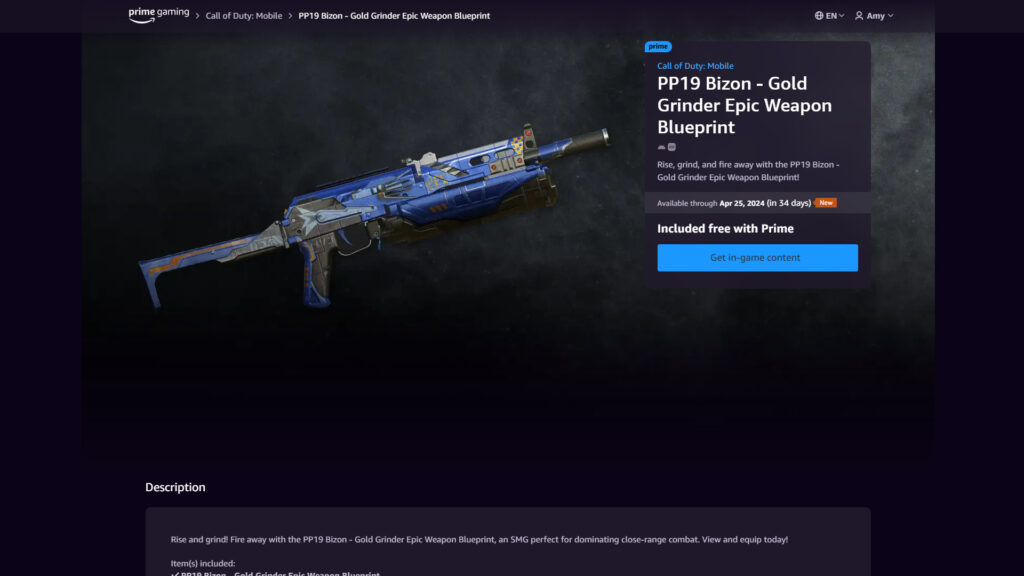
Note that the Prime Gaming website mistakenly labeled this item as the PP19 Bizon – Gold Grinder Epic Weapon Blueprint. The item you’ll receive in the game will be the Attaboy version. Remember that you have until April 25, 2024 to get this item as well.
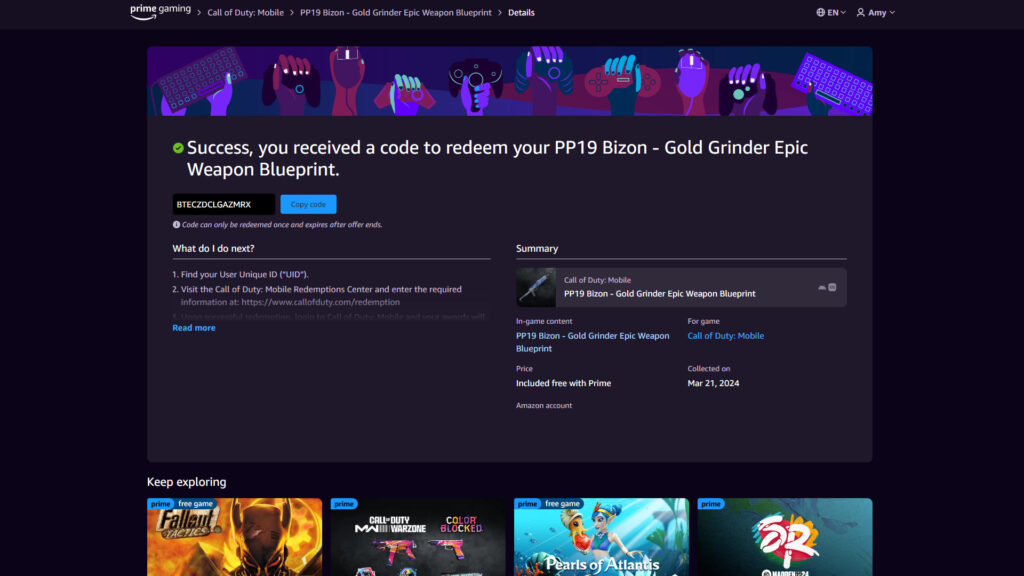
Next, head to CoD Mobile’s redemption center to enter your UID and redeem the code. Then, launch the game on your phone and claim the item by tapping the mail icon.
How to get a free Prime Gaming trial for CoD Mobile items
If you’re not already a member of Prime Gaming, then you can sign up for either a free Amazon Prime or Prime Video trial. To get started, visit any page on Prime Gaming’s website and click on either the “Claim” button or the “Try Prime” button.
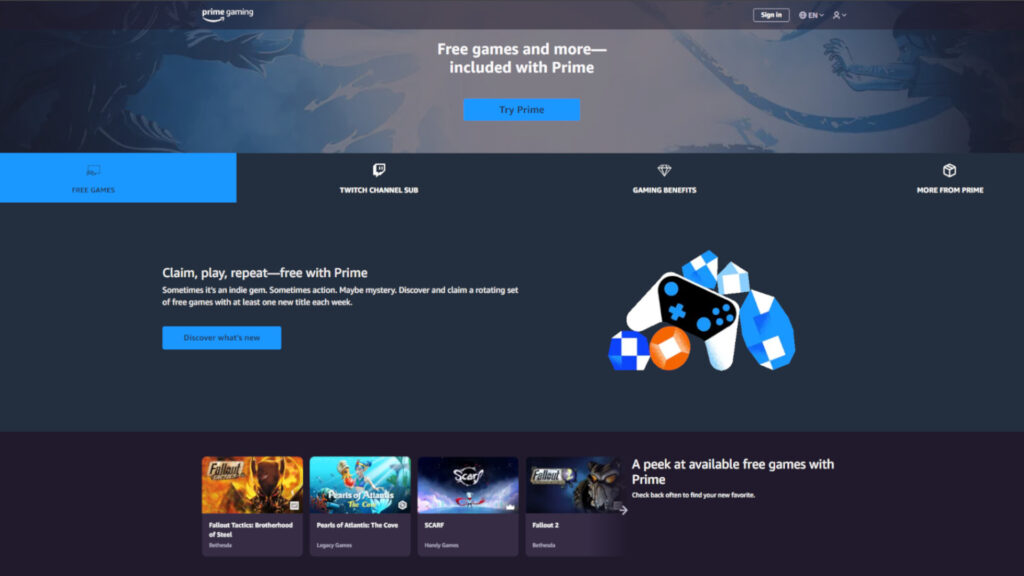
Be prepared to log in to your Amazon account as well. This is because Prime Gaming is included with your Amazon Prime membership. Additionally, make sure to cancel your trial on time if you don’t wish to continue with it after it ends.
That’s all for now. Stick around on esports.gg for more news and updates!