
Here's how to complete the Marvel Rivals Deadpool Quest for 700 free Discord Orbs.
If you enjoy customizing your Discord account, then Discord Orbs are a must-have currency. To celebrate Marvel Rivals Season 6, Discord is offering 700 free Discord Orbs. Read on for our quick guide on how to unlock them and more information on what you can do with this particular currency.
Marvel Rivals grants free Discord Orbs
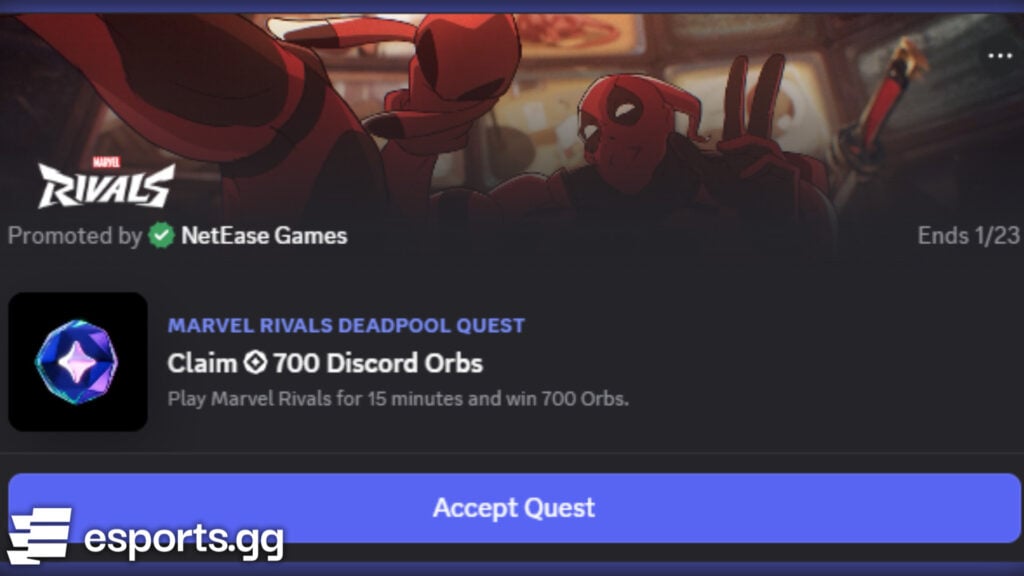
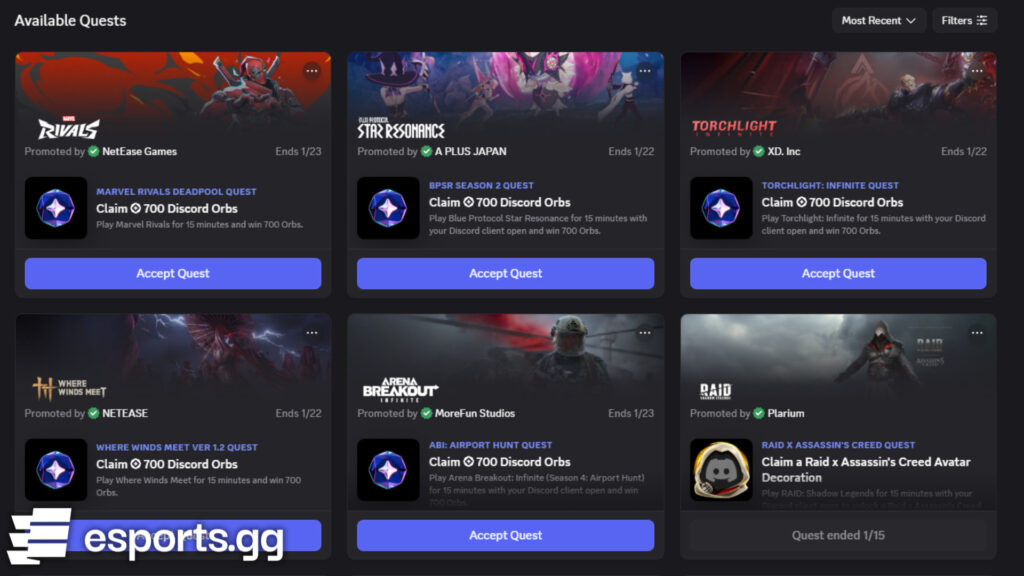
From Jan. 16 to Jan. 23, users can earn 700 Discord Orbs for free through the latest Marvel Rivals Discord Quest. To get started, simply log in to Discord, look for the “Marvel Rivals Deadpool Quest” option, and accept it. Then, play 15 minutes of Marvel Rivals.
How to find the Marvel Rivals Season 6 Discord Quest
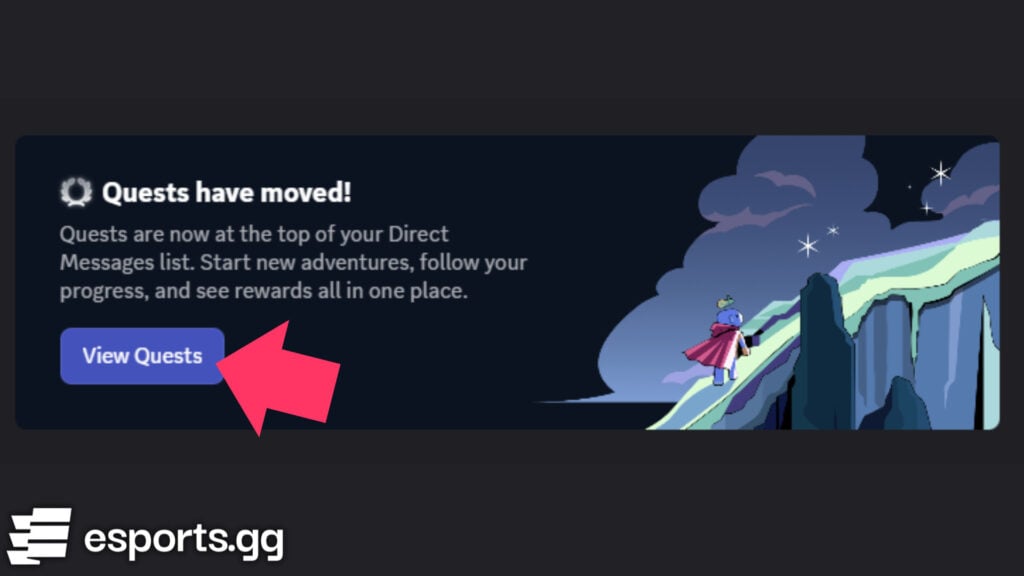
Navigating to the exact Discord Quest may be confusing, but you can do so via this direct link. You can also click on the settings icon located near the bottom-left corner of Discord on desktop, look under the “Billing Settings” section, and click on the “Gift Inventory” tab. Then, click on the “View Quests” button.
Scroll down a bit to find the new Marvel Rivals Discord Quest and press the “Accept Quest” button. Finally, simply play Marvel Rivals for at least 15 minutes. Once that’s done, tab out of Marvel Rivals and press the “Claim Reward” button.
That’s all there is to it. However, while you’re there, check out the other titles for even more opportunities to earn Discord Orbs. If you happen to play Where Winds Meet, Blue Protocol Star Resonance, Torchlight Infinite, or Arena Breakout: Finite, for example, you can get a lot of Discord Orbs by just playing those games.
What to do with Discord Orbs
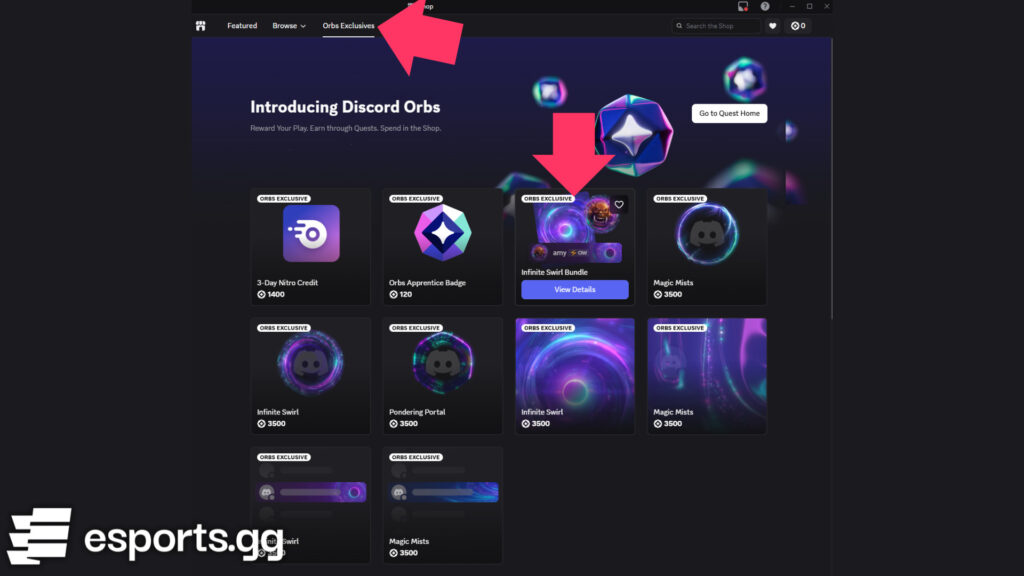
In terms of what you can do with Discord Orbs, you can spend them in Discord’s online shop. Click on the “Orbs Exclusives” tab to see what’s on offer there. Some items of interest include profile items, Nitro credit, avatar decorations, nameplates, and profile effects. You can hover over each item to preview it, as shown in our screenshot below.
Have you been enjoying Marvel Rivals Season 6 so far? How about Deadpool as the newest hero to join the roster? Be sure to check out the latest Marvel Rivals patch notes to stay ahead of the meta.