

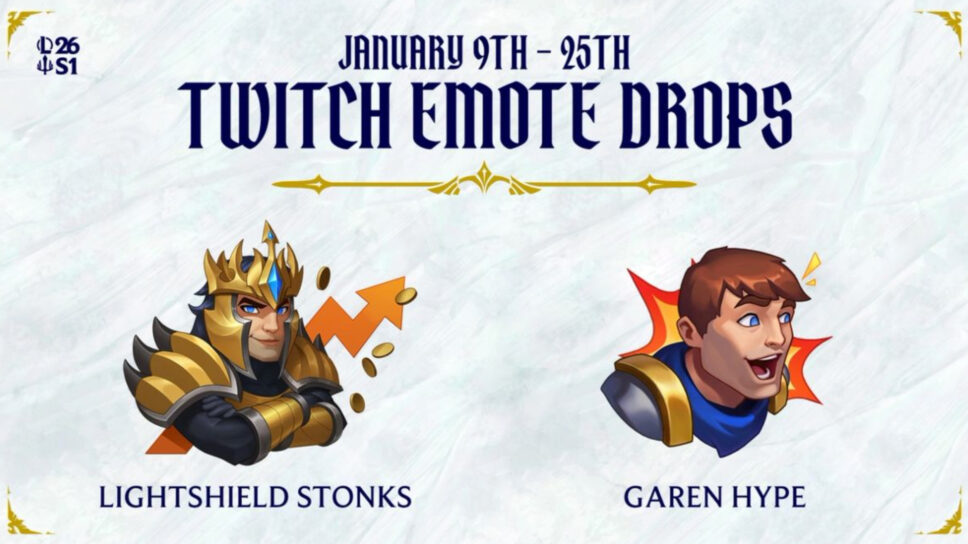
Here’s everything you need to do to unlock the League of Legends emotes through Twitch Drops, including how to find eligible streams.
Nothing better than starting the League of Legends 2026 Season with brand-new Twitch emotes. This is a team project with the rebirth of the League Partner Program (LPP), which aims to support content creators, educators, entertainers, players, and theorycrafters out there.
New League of Legends Twitch emote drops
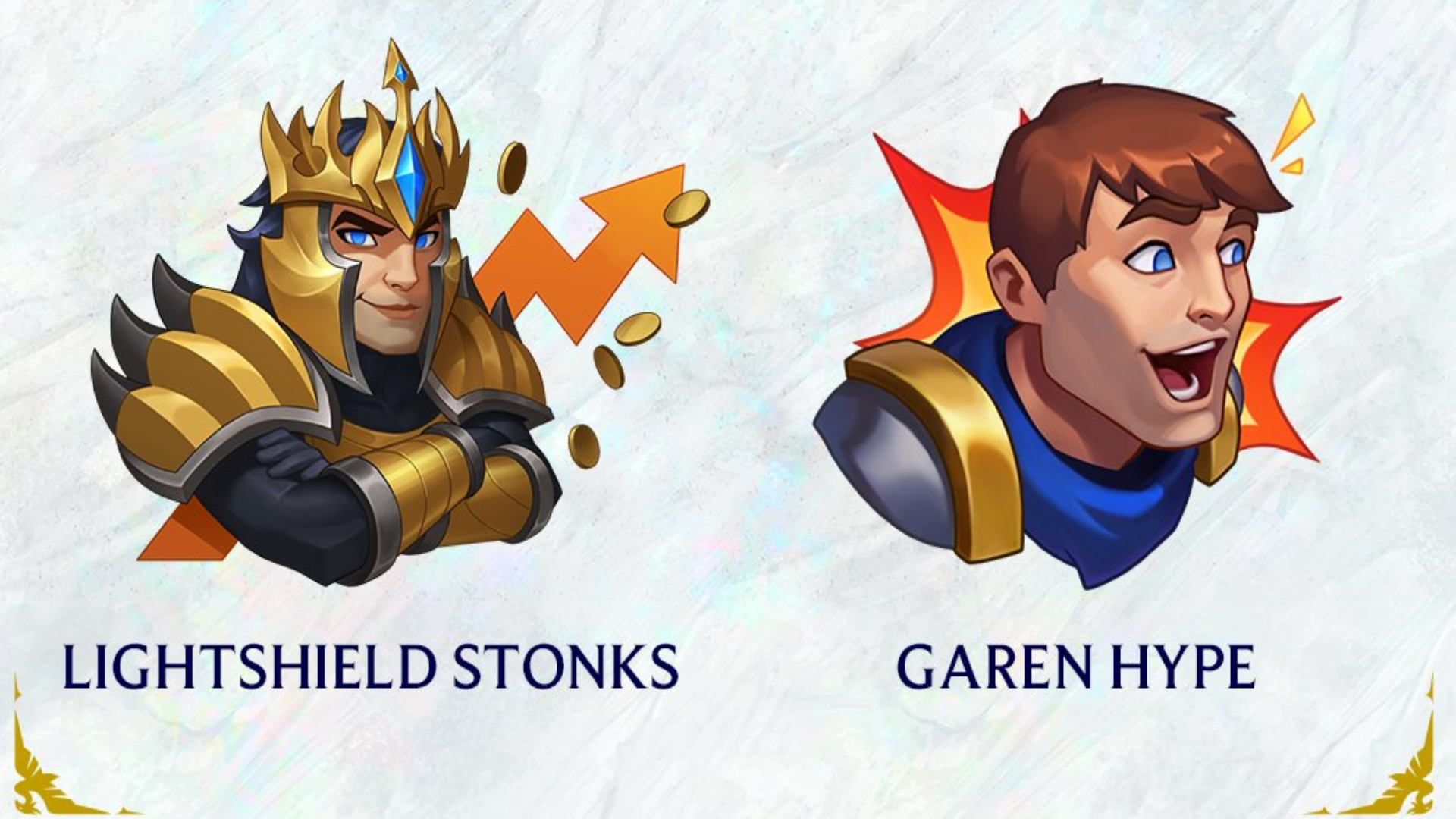
In January 2026, you can get two new limited-edition themed emotes by supporting your favorite creators, if they are part of the LPP. To get the “Lightshield Stonks” Emote, you’ll need to watch an hour of any eligible LPP streamer’s livestream on Twitch during the campaign window. VOD viewing does not count toward earning this reward.
As for the “GarenHype” emote, you can get it by subscribing or gifting a subscription to any eligible LPP streamer. However, this only includes first-time subs or gifted subs. Re-subscribing does not count towards the emote drop rewards.
Which channels are eligible?
If your favorite streamer isn’t part of the League Partner Program, you won’t be able to earn rewards from their stream. Follow the step-by-step guide below to learn how to identify which accounts are eligible.
- Log in to Twitch
- Choose an active Drops campaign from the All Campaigns page under Drops & Rewards.
- Find active participating channels listed at the top of How to Earn Drops.
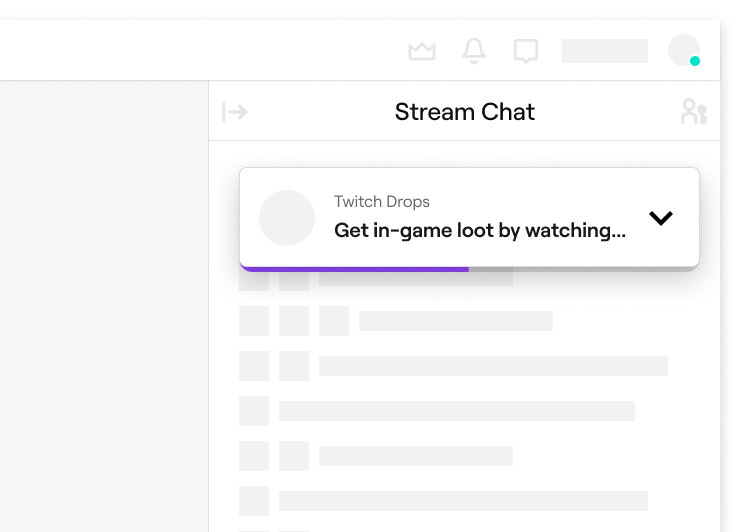
- Navigate to a channel with Drops enabled. A Drops callout will be displayed at the top of the chat that includes information about the Drops campaign.
- Complete the Drop requirement, such as accruing watch time or purchasing (a) new subscription(s).
The participating streamers will have a Twitch chat graphic once you click on their stream. This will help you identify them as eligible for Season Start drops.
Subscriptions can be purchased on either mobile or web. Only subscriptions purchased when a channel is live in the correct category, during an active Drops campaign, will earn Drops. Be careful before subscribing.
Remember, you can only earn progress towards a Drop on one participating channel at a time. Having two open tabs won’t make it easier. The drops are not region-locked, but they are only available on Twitch and in regions where Twitch drops are supported.
Redeem the League of Legends Twitch emote drops
To redeem your emotes, you’ll need to connect your Riot account with your Twitch account. If you reach 100% progress for the active Drop, you’ll be able to collect it in your Drops inventory. If you’re unable to collect your drops, you’ll have seven days after the drops campaign ends to collect them.
Here are some recommendations in case you are dealing with drop troubleshooting:
- Browser extensions that block advertisements may prevent Drops progress watch time from accruing. Disable these browser extensions, and see if your watch time continues to progress.
- If you’ve completed a drop’s requirement, but are having issues claiming the drop, double-check which game account you have connected to your Twitch account. You may need to contact the game developer or publisher directly for further assistance.
When does the drop campaign end?
The LoL Twitch emote drops campaign starts on Jan. 9 and ends on Jan. 25. Have fun watching your favorite streamers and earning rewards!
That’s all for now. Stick around for more League of Legends news, guides, and updates on esports.gg.