
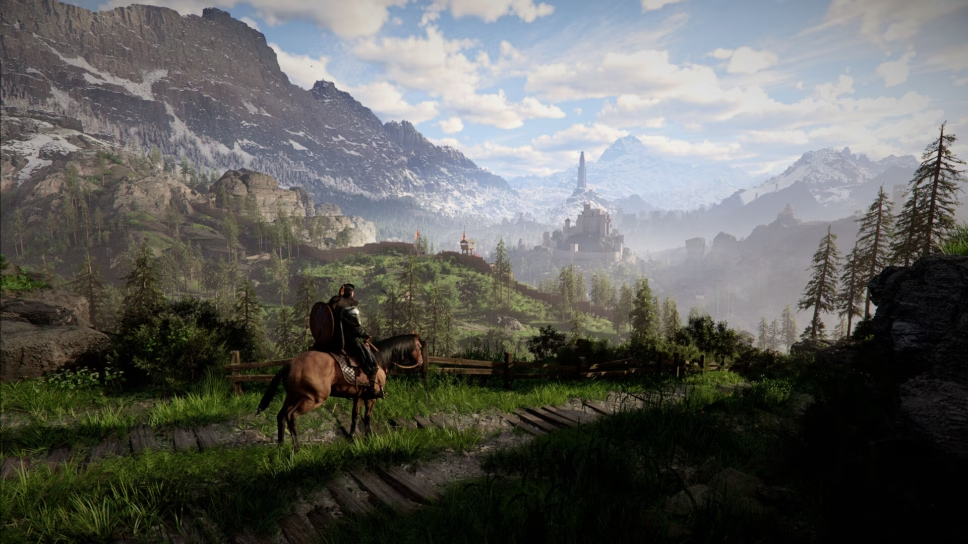
Crimson Desert is a gorgeous game, but you still need the right PC settings to achieve the best performance.
In the lead-up to Crimson Desert’s release, there’s been a lot of discussion about the game’s performance, both on PC and consoles. While there’s not much you can do to affect the performance on PlayStation 5 or Xbox Series X|S, there are a number of steps you can take to improve performance on PC. This mostly comes down to adjusting the PC graphics settings in Crimson Desert, which can be a little complicated to go through.
If you want to ensure you’re achieving the best FPS possible in Crimson Desert, then check out the best graphics settings below.
Best PC graphics settings in Crimson Desert
First and foremost, your PC graphics settings will ultimately depend on what kind of PC hardware you have and how nice you want Crimson Desert to look. If you want the game looking at its very best, then you’ll need a top-of-the-line computer and should expect to maintain around 60 FPS. However, if you have an older PC, then you want to dial back your settings, which will make the game look worse, but you’ll be able to get a higher FPS.
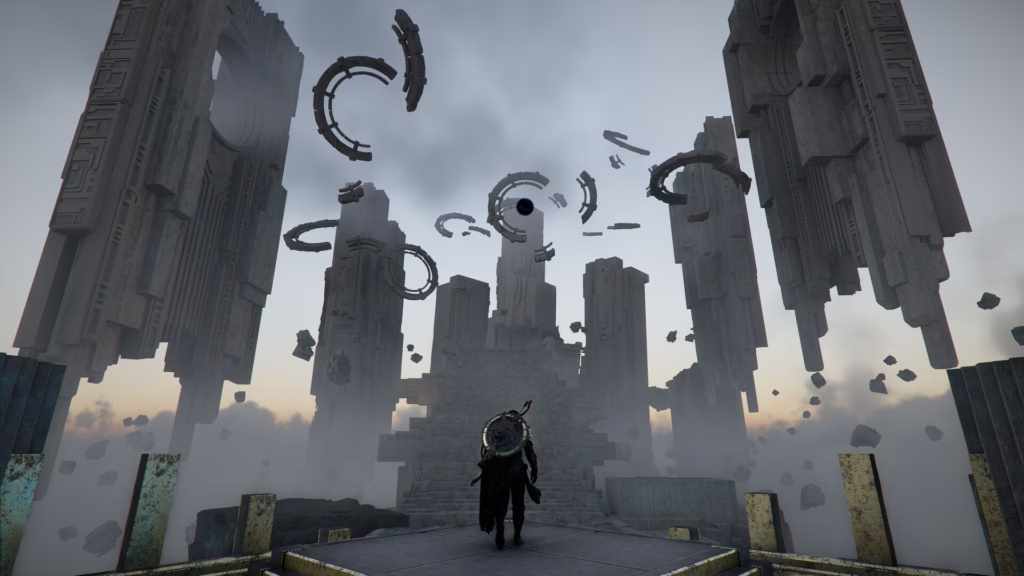
For our recommended settings, we’re going to slide right in the middle, allowing you to keep a decently high FPS while also keeping Crimson Desert’s graphical fidelity intact.
Here are the PC graphics settings we recommend for Crimson Desert:
Video Settings
- Screen Mode: Fullscreen
- Display: Your primary monitor
- Resolution: Your primary monitor’s best resolution
- Upscale Mode: AMD FSR or Nvidia DLSS 4/4.5/4.5 L
- Upscale Resolution: Balanced
- Nvidia DLSS Frame Generation: On (if possible)
- Number of Frames Generated: 2
- Nvidia DLSS Ray Reconstruction: Off
- Nvidia Reflex: On
- Vsync: Off
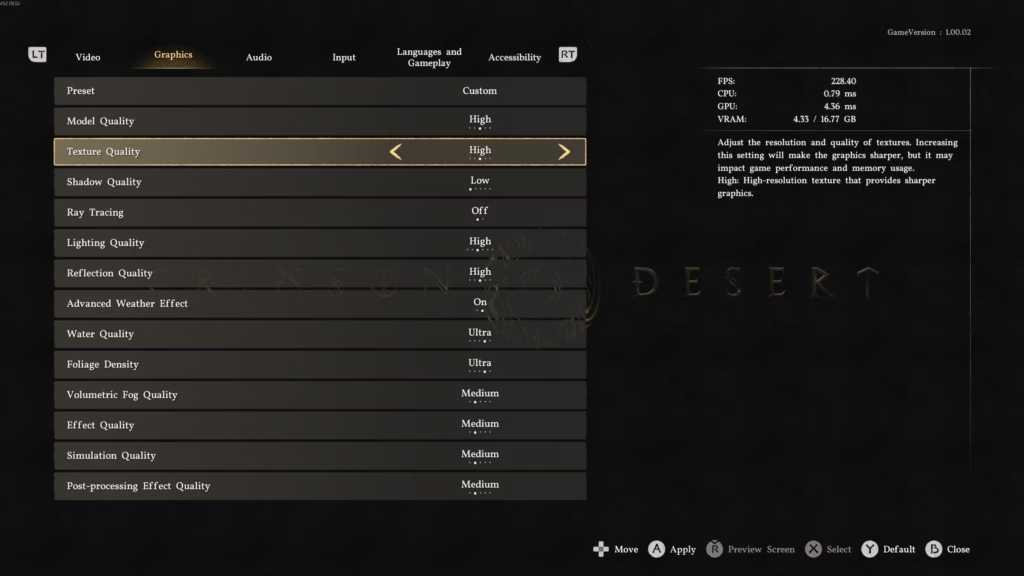
Graphics Settings
- Model Quality: High
- Texture Quality: High
- Shadow Quality: Low
- Ray Tracing: Off
- Lighting Quality: High
- Reflection Quality: Medium
- Advanced Weather Effect: Off
- Water Quality: High
- Foliage Quality: High
- Volumetric Fog Quality: Low
- Effect Quality: Medium
- Simulation Quality: Medium
- Post-Processing Effect Quality: Medium
And those are the PC graphics and video settings we recommend for Crimson Desert.