

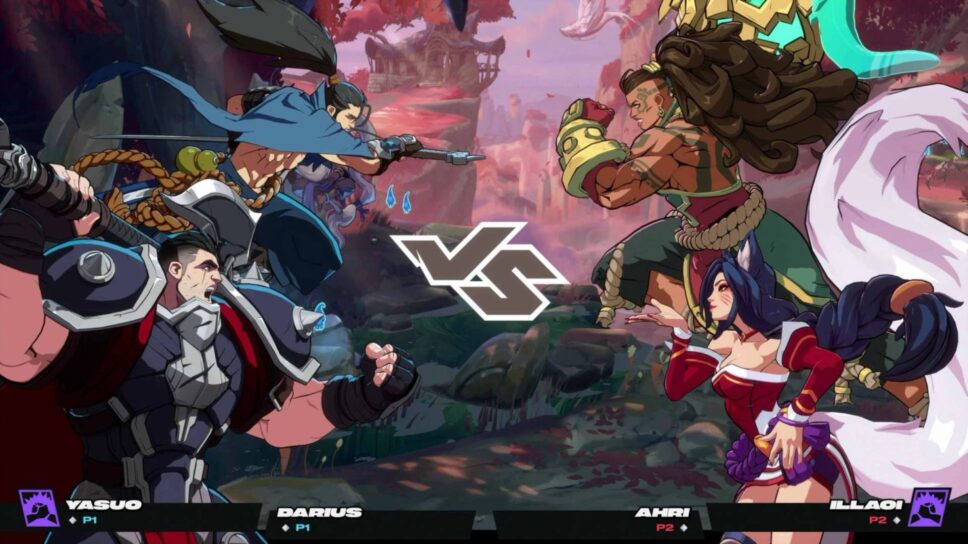
The game is free to play: it's easy to hop in and have fun.
2XKO is a fighting game from the League of Legends (LoL) developers. In fact, it’s based on the same universe, with the same characters. To play 2XKO for free, check out how to download it on your gaming device.
How to download 2XKO on PC
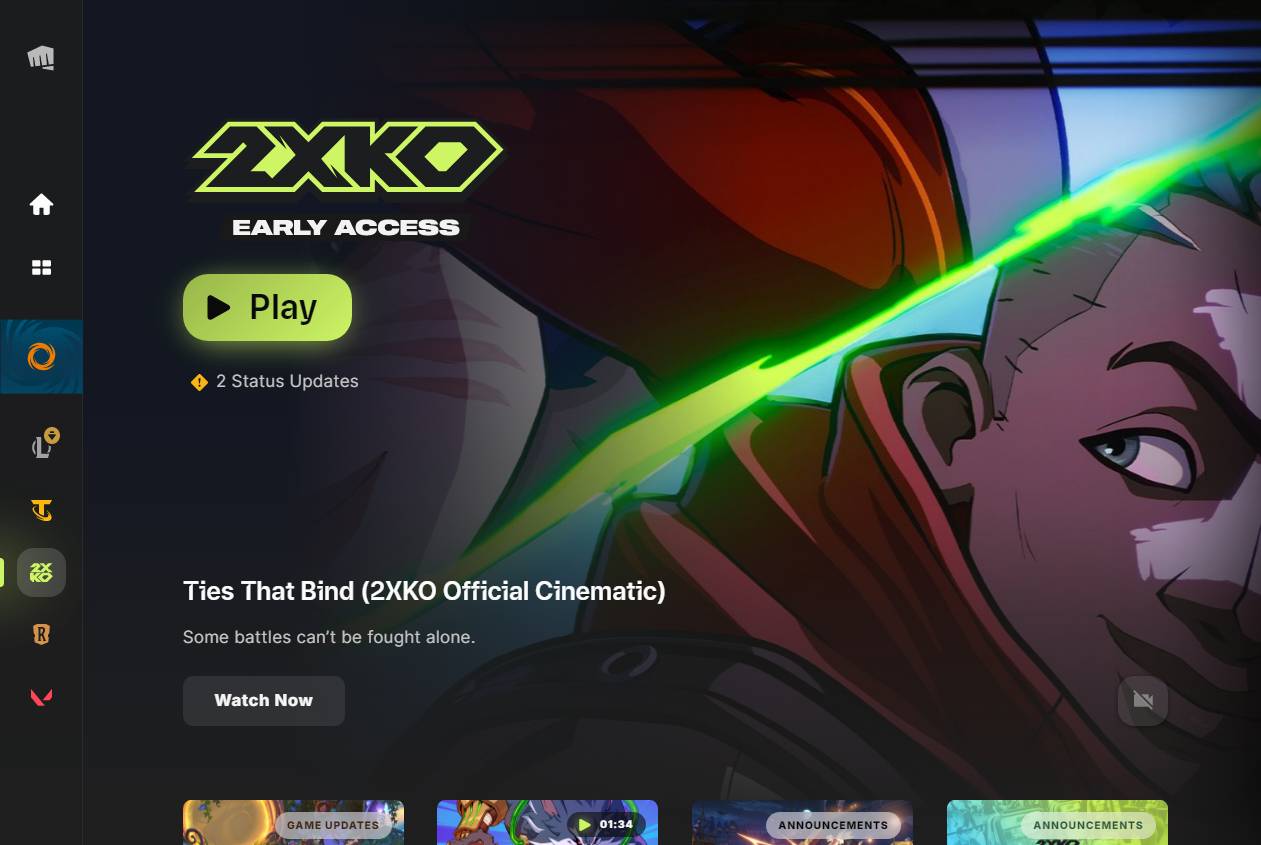
To play 2XKO on your computer, head to the official Riot Games client and click the game’s icon in the left panel.
- Install the Riot Games client from the official website if you don’t already have it on your PC. You may need to sign in to your Riot account or create one.
- Click the 2XKO icon in the left panel inside the client. The game is here alongside other Riot titles: LoL, Valorant, and Legends of Runeterra.
- Press the Install button to download 2XKO to your computer. The client will show the progress.
- When the game is installed, press the Play button and enjoy 2XKO.
How to download and play 2XKO on consoles
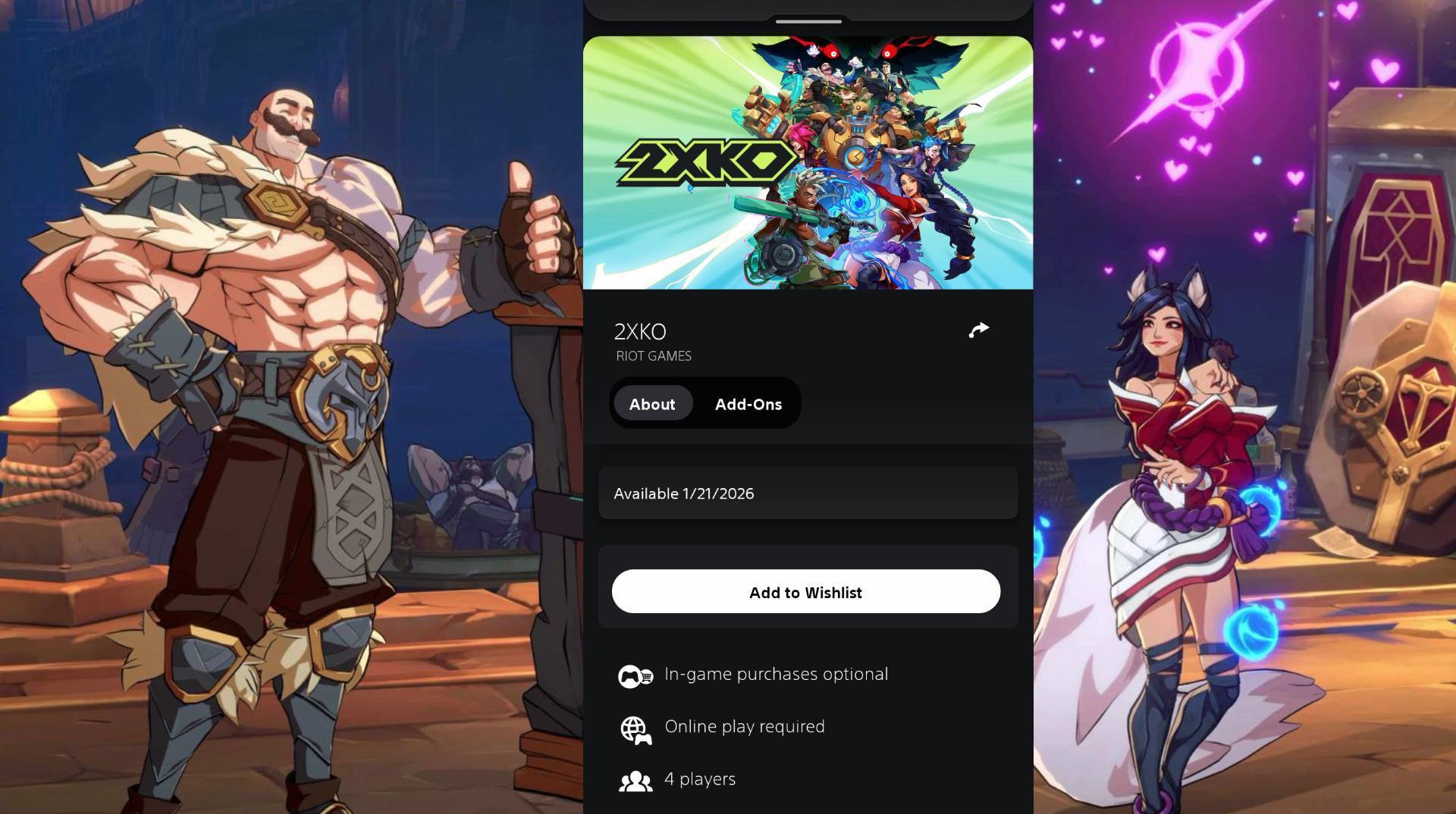
After the console release on Jan. 20 / Jan. 21, 2026, 2XKO is available on the PlayStation 5 and the Xbox Series S|X. To install it, head to the game store on your console.
- Open the PlayStation Store or the Microsoft Store on the PS5 or the Xbox Series X|S.
- Search for 2XKO via the internal search bar: the magnifying glass icon.
- On the game’s page, press the Download button.
- When 2XKO is installed, press its icon from the home screen to start playing.
Alternatively, you can download 2XKO to your console via the PlayStation and Xbox apps.
- In the mobile app, search for 2XKO via the magnifying glass icon.
- Press the Add to Library and Download to Console buttons.
- 2XKO will be automatically installed and ready to play.
2XKO has a simplified input scheme for special moves, so you don’t need fighting sticks and leverless controllers to get the max from it. A usual PlayStation, Xbox, or third-party gamepad suits the game perfectly. Just launch, and have fun!