

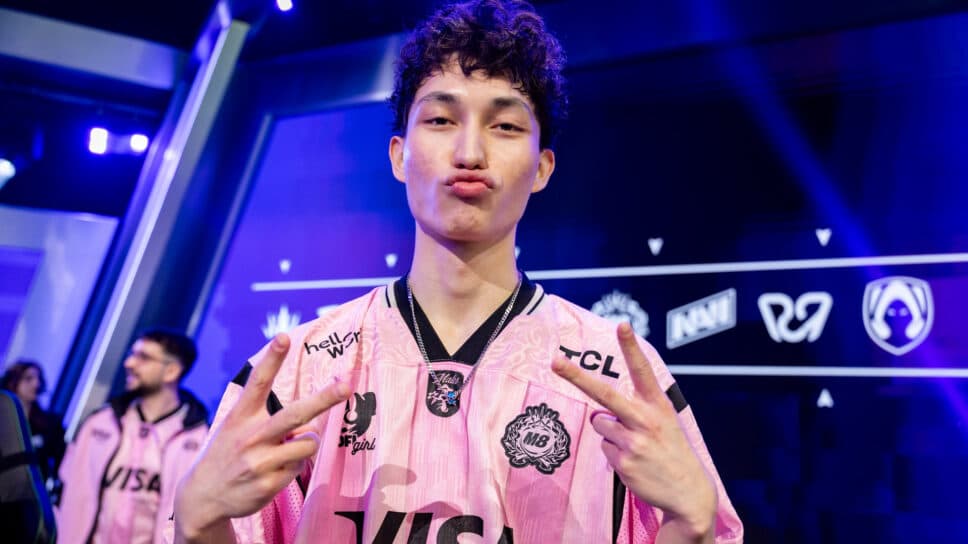
Do you want to play like a pro or try something new? Check out M8 marteen keybinds and settings in VALORANT!
Martin “marteen” Pátek recently made history by setting the all-time kill record in a best-of-five (Bo5) series with 126 eliminations. The former Fortnite pro worked his way up from Tier 2 before earning a spot on Karmine Corp. While the team secured a Kickoff victory, they were unable to translate that success onto the international stage.
Not long after, marteen joined Gentle Mates following their return to the main stage. With only one player remaining from the previous roster, the rebuilt lineup surprised many with a strong showing at Kickoff, signaling a promising new era for the team.
M8 marteen: Mouse settings
M8 marteen uses the Alienware AW2518H monitor, along with the Logitech G Pro X Superlight 2 Magenta, the Wooting 60HE+ keyboard, the SONY INZONE H9 II headset, and the Pulsar eS Saturn Pro Black mousepad.
- DPI: 1600
- Sensitivity: 0.06
- Scoped Sensitivity: 1.587
- ADS Sensitivity: Unknown
- eDPI: 96.00
- Hz: 1,000
- Windows Sensitivity: Unknown
- Raw Input Buffer: Unknown
Crosshair
If you want to use M8 marteen’s crosshair, you can copy and paste the code into your game. Here is the code:
0;s;1;P;c;5;0l;2;0o;1;0a;1;0f;0;1b;0
- Color: Cyan
- Crosshair Color: #00ffff
- Outlines: On
- Outline Opacity: 0.5
- Outline Tchickness: 1
- Center Dot: Off
Inner Lines
- Show Inner Lines: On
- Inner Line Opacity: 1
- Inner Line Length: 2
- Inner Line Thickness: 2
- Inner Line Offset: 1
- Movement Error: Off
- Firing Error: Off
Outer Lines
- Show Outer Lines: Off
- Movement Error: On
- Movement Error Multiplier: 1
- Firing Error: On
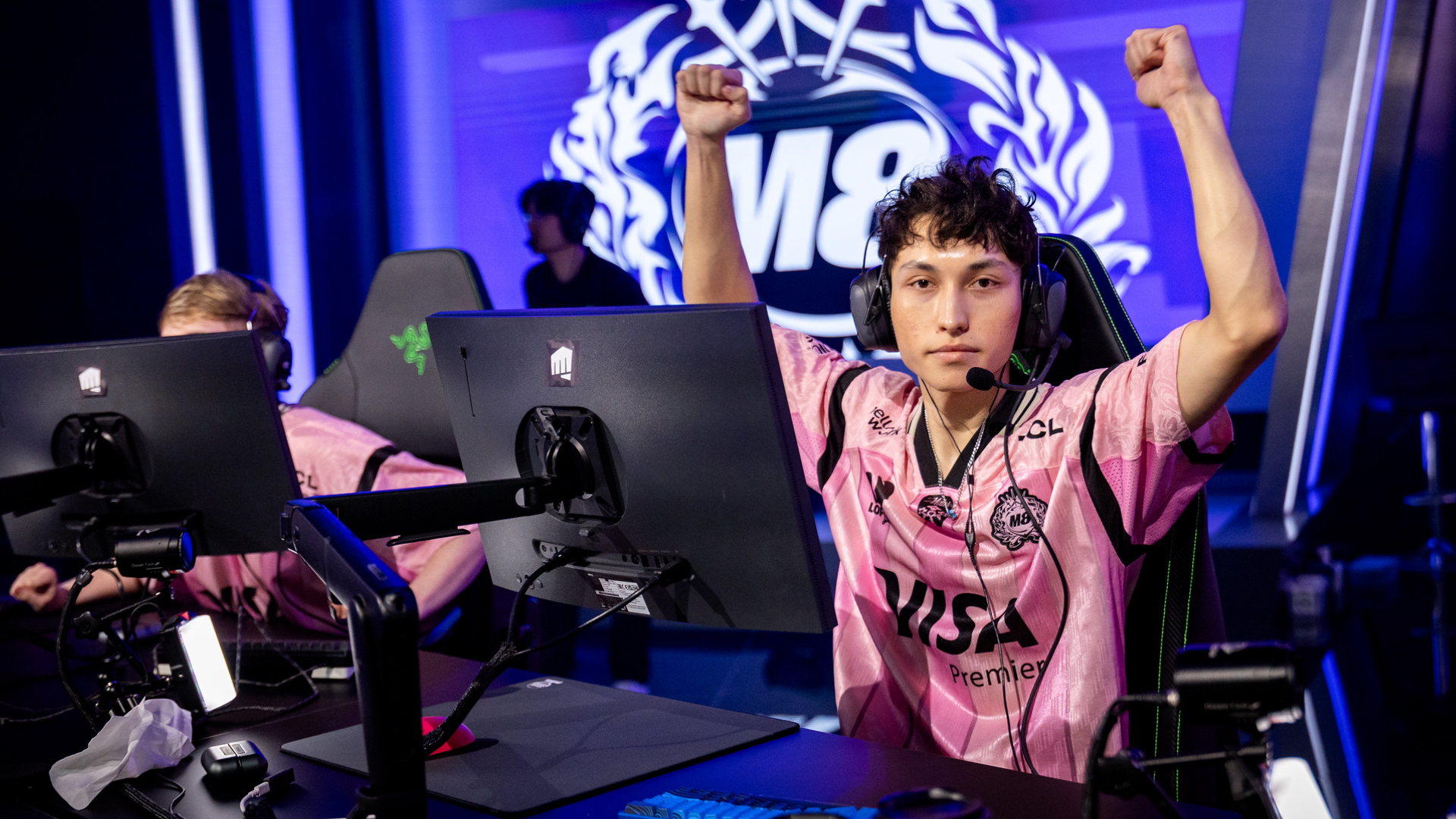
M8 marteen: Video settings
- Resolution: 1280x960
- Aspect Ratio: 16:9
- Aspect Ratio Method: Fill
- Display Mode: Fullscreen
- Enemy Highlight Color: Purple (Tritanopia)
It's important to remember that simply using a professional player's settings won't automatically improve your skills. However, it can offer you valuable insights into the settings you might prefer.
Don't forget that many guides on the internet can help you solve core problems in your gameplay, such as movement, micro and macro gaming, and many more. Have fun in your VALORANT games, be nice, and keep practicing to get to a higher rank!


