

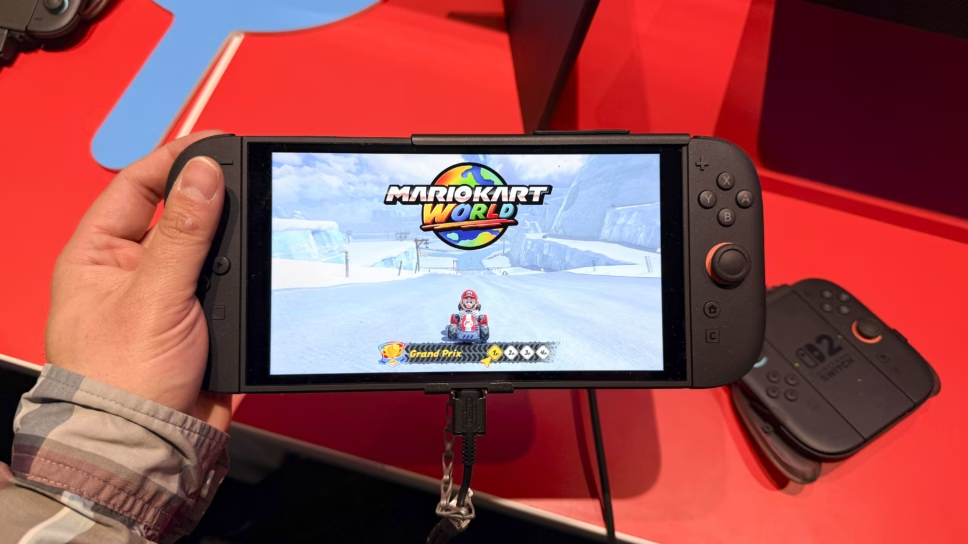
The Switch 2 just added a brand new mode called Handheld Mode Boost, which boosts Switch 1 games on the new system when played in handheld.
In a recent update, Nintendo added a major Switch 2 update that boosts Switch 1 games in handheld mode. This new feature is called the Handheld Mode Boost, giving Switch 2 players a much better experience when playing Switch 1 games.
Here is what we know about the update.
New Switch 2 update allows for Switch 1 games to be played in better quality and higher performance when handheld
While the Switch and Switch 2 both offer a great performance when playing the devices handheld (the Switch 2 obviously better), both up their game a bit when docked and played on a TV. This is due to both systems allowing for a better resolution on the TV than when played handheld.
The big difference between the Switch 1 and Switch 2, is that when played handheld, the Switch 1 is only in 720p resolution, whereas the Switch 2 is 1080p. Well, with the new Handheld Mode Boost, Switch 1 games played on Switch 2 will officially be in 1080p.
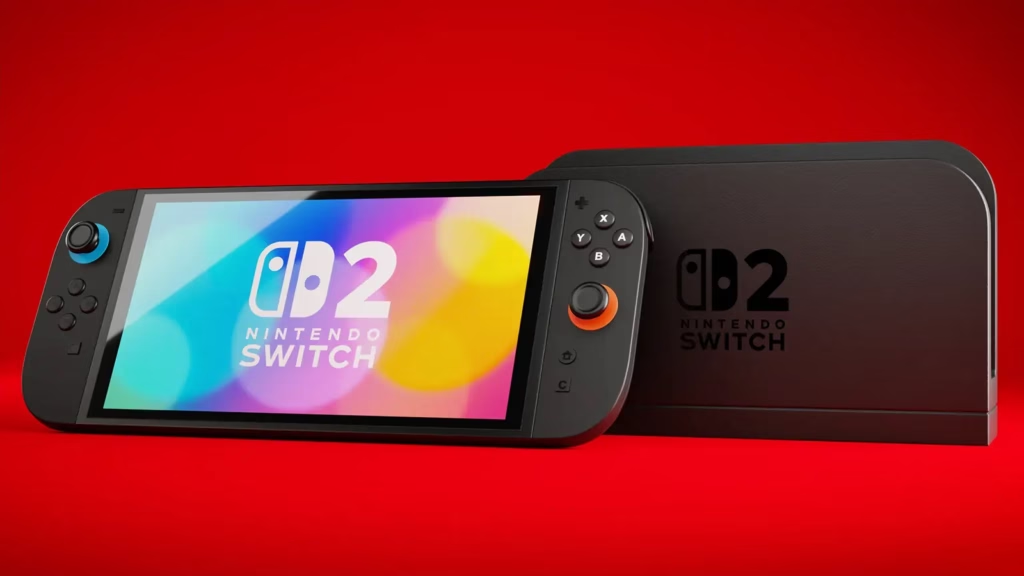
This means that the games will basically run as if they were in TV mode on the original Switch, but in handheld mode on the Switch 2, offering an even smoother performance than before.
Even on release, Switch games ran much smoother on the Switch 2. While some games got special updates, including Breath of the Wild and Tears of the Kingdom, where they were given a Switch 2 version, other games still ran much better on the Switch 2 than on Nintendo’s predecessor.
How to activate Handheld Mode Boost
To activate Handheld Mode Boost on the Switch 2, you must follow the following steps:
- Go to System Settings
- Choose “System”
- Nintendo Switch Software Handling
- Toggle “Handheld Mode Boost” to on
Make sure you have downloaded the Switch 2’s most recent update, system version 22.0.0+, which adds Handheld Mode Boost.