

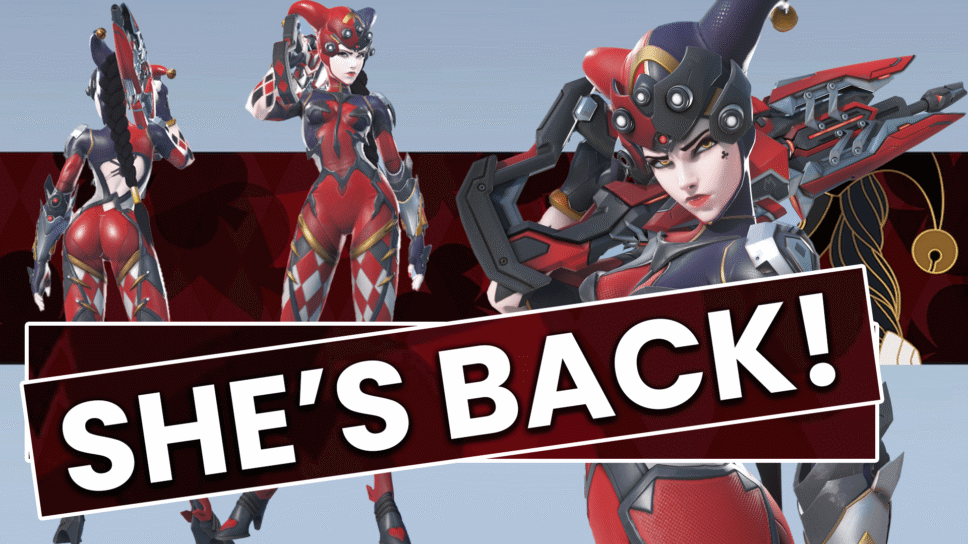
Overwatch 2 has a returning epic skin for Windowmaker! Here's how to unlock it.
Widowmaker has a returning skin that’s available in this week’s Overwatch 2 shop rotation! Read on for our guide on how to unlock the Widowmaker Harlequin skin as part of a bundle or by itself!
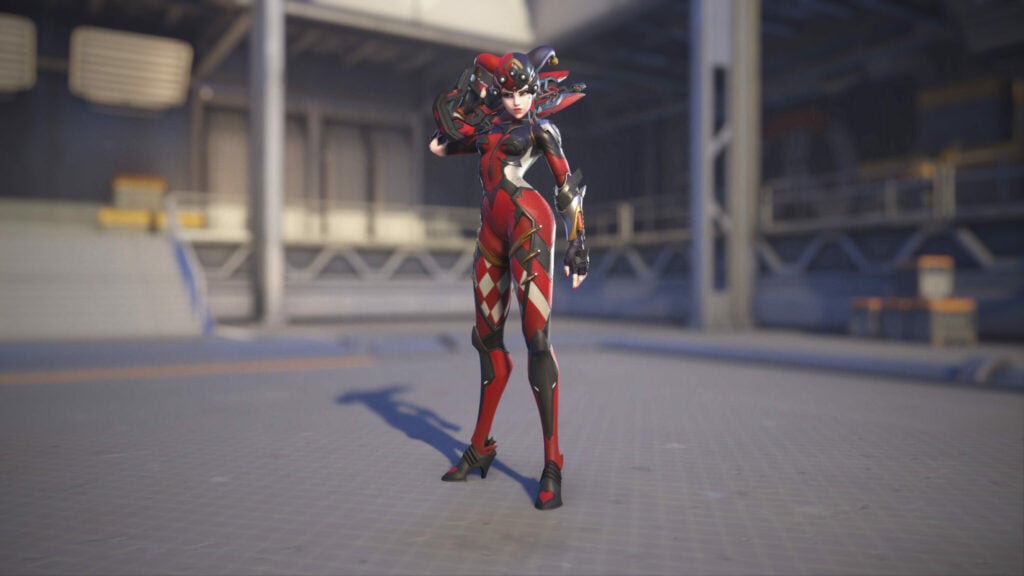
Overwatch 2 Widowmaker Harlequin skin
To unlock the epic Harlequin Widowmaker skin, launch Overwatch 2 and head to the in-game shop. Under the “Featured” section, select the “Harlequin Widowmaker Bundle” that’s currently at 29% off. This bundle costs 1,700 Overwatch Coins, which is about $17 USD.
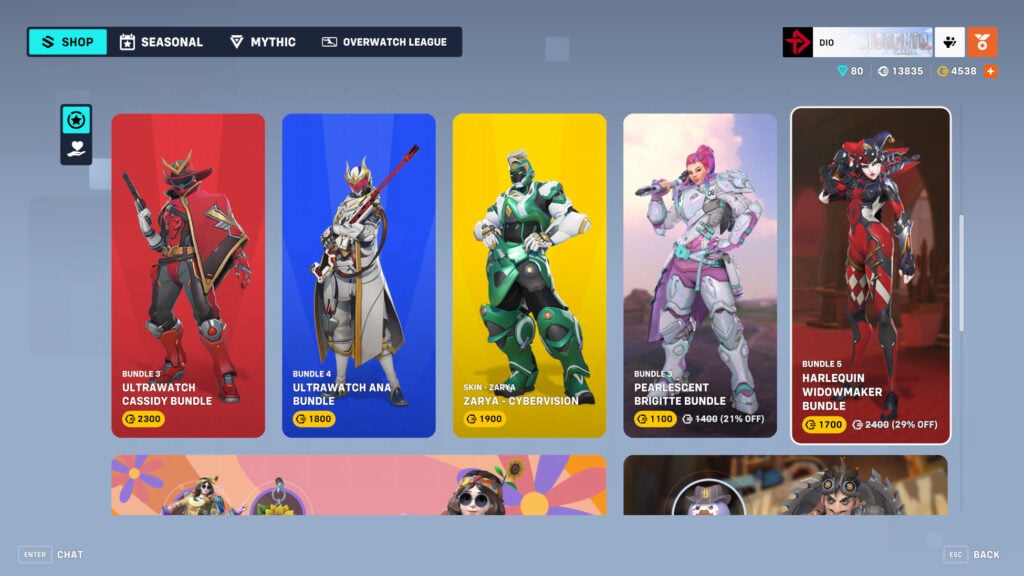
Widowmaker Harlequin Bundle
The bundle includes the epic skin itself, two souvenirs, a name card, and the “You’re a Joke” Widowmaker voice line.
Below are our screenshots of these items as well.
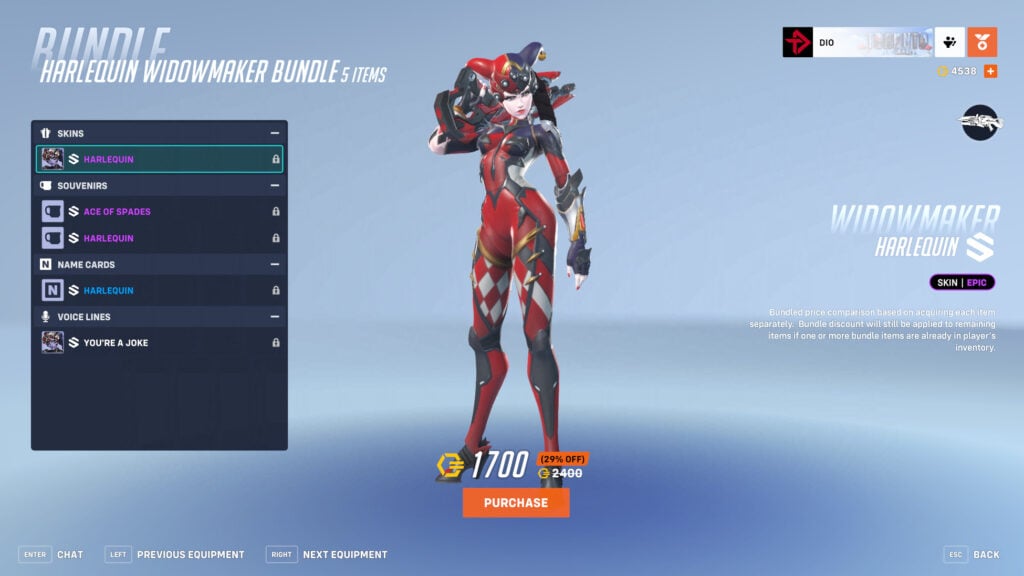
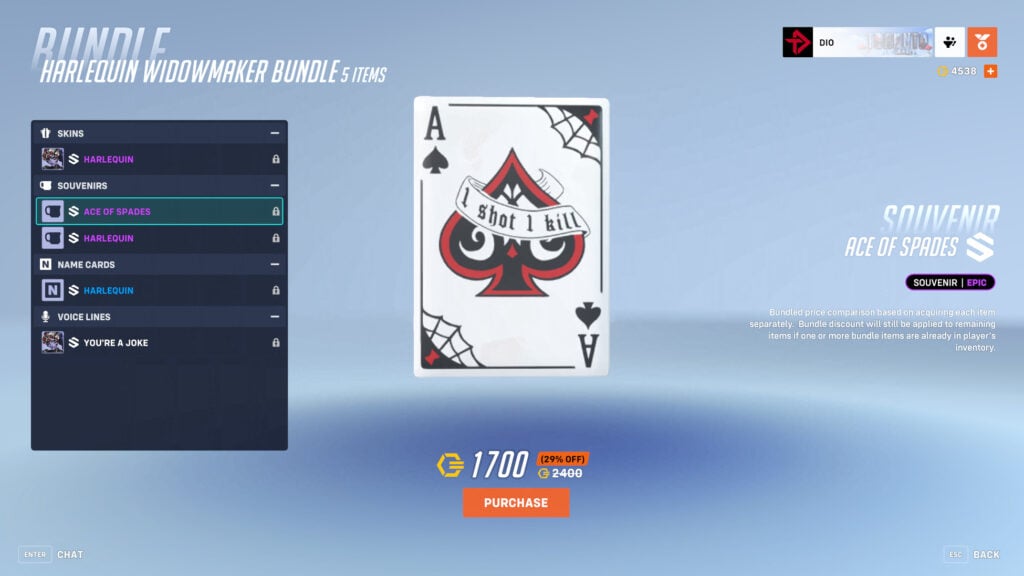
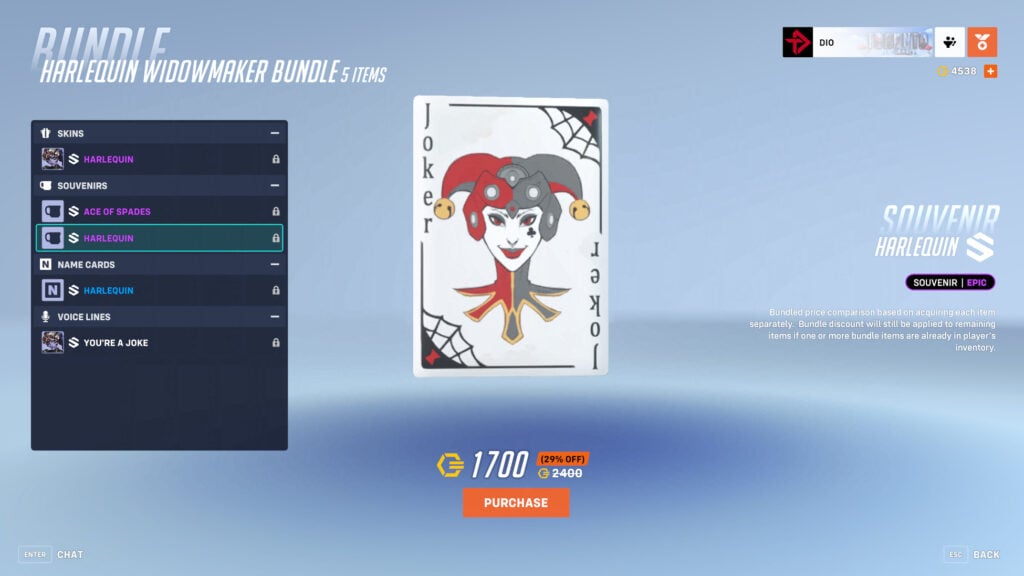
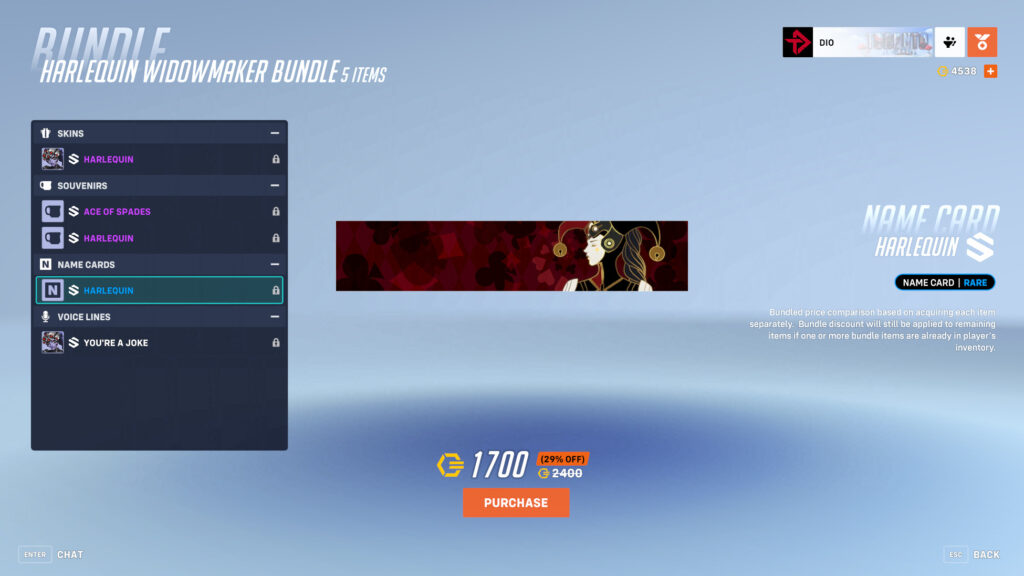
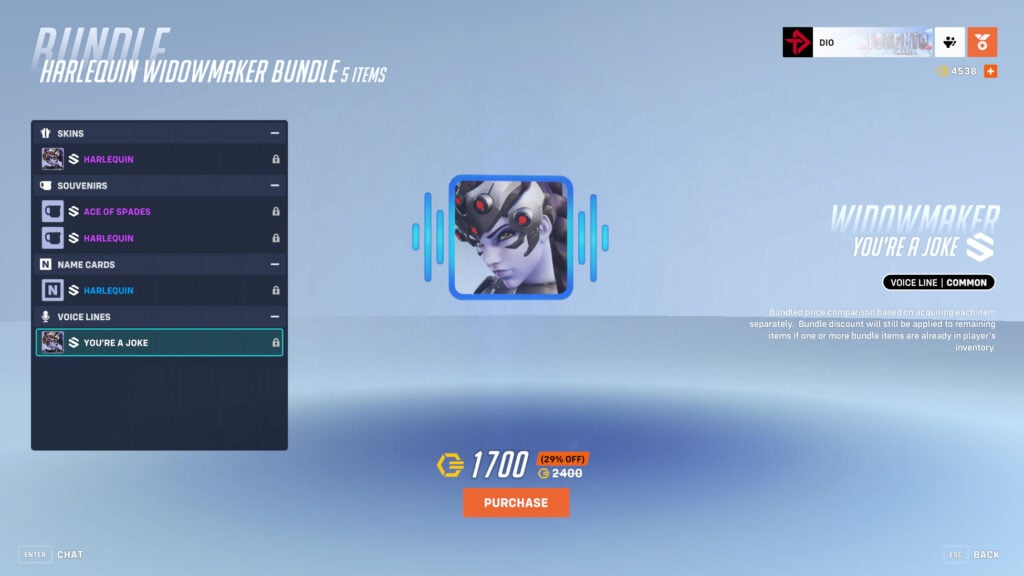
How to unlock the Harlequin Widowmaker skin for less
You can also get the epic skin by itself for just 1,000 Overwatch Coins. To do this, head back to the main menu and select the “Heroes” option. Navigate to the hero and scroll through her Overwatch 2 skins until you see the Harlequin one. Next, press the “Unlock” button to purchase it.
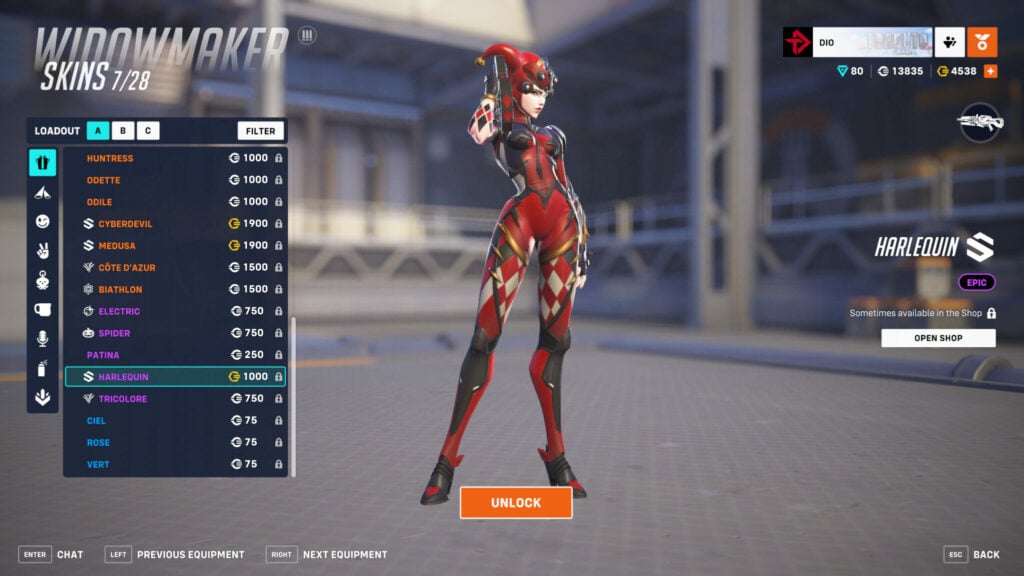
If you need more Overwatch Coins, then press the “+” sign near the top right of the in-game shop and select the amount you wish to purchase. You can also buy the currency via the Battle.net shop itself.
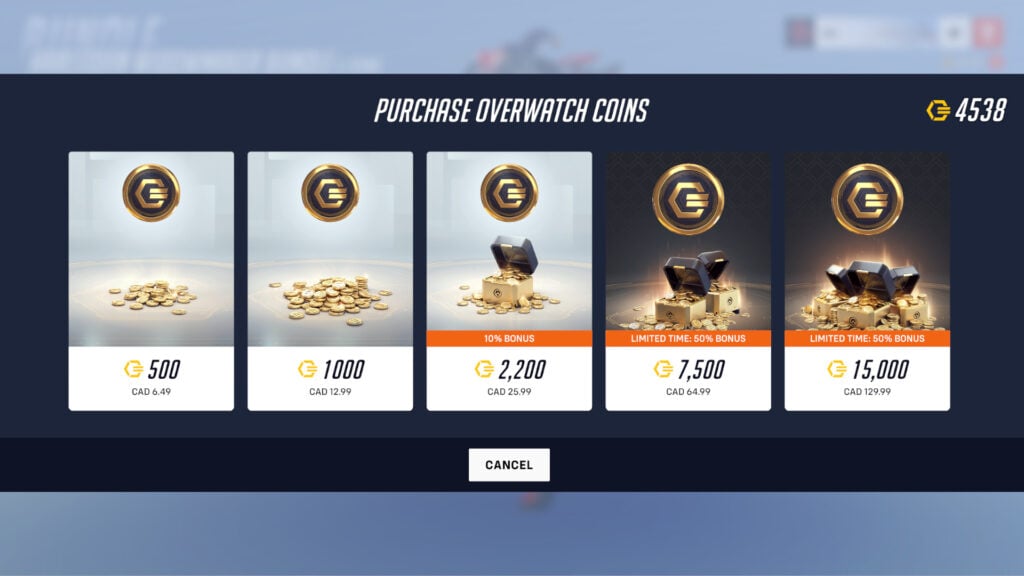
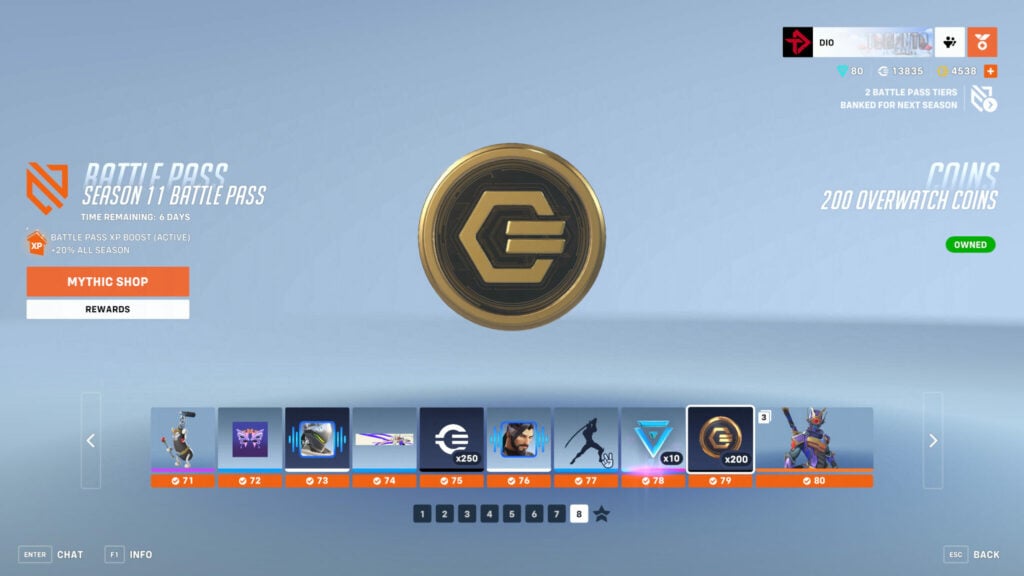
Free Overwatch Coins
Other ways to obtain Overwatch Coins include using the Microsoft Rewards method and progressing through the Battle Pass.
That’s all for now. Stick around on esports.gg for more Overwatch 2 news, guides, and updates!