


Here’s how you can get and share your Steam Replay 2025, every stat included, and how you can view your Replays from previous years.
Steam is one of the most popular gaming platforms worldwide, and it is once again allowing players to get a summary of their 2025 with Steam Replay! Here's how you can get your Steam Replay 2025, as well as view your previous ones.
According to Steam, the Replay has data from January 1 to December 14 (GMT). It also excludes offline time and other non-game software, like Wallpaper Engine.
Steam Replay 2025
Getting your Steam Replay 2025 is simple! Just open the Steam app or go to store.steampowered.com/replay. You can set the visibility of your Replay page to Public, Private, or Your Friends.
Clicking the "Share" button also opens a box that summarizes your replay in various formats, a dropdown that changes the language, and a link to your own replay to share with your friends.
The replay begins with highlights that feature the following data:
- Games played
- New games
- Demos
- Achievements unlocked
- Comparison to last year
- Games
- Rare Achievements
- % playtime with keyboard + mouse and controller
- Top three most-played games
- % of play time
- Sessions played

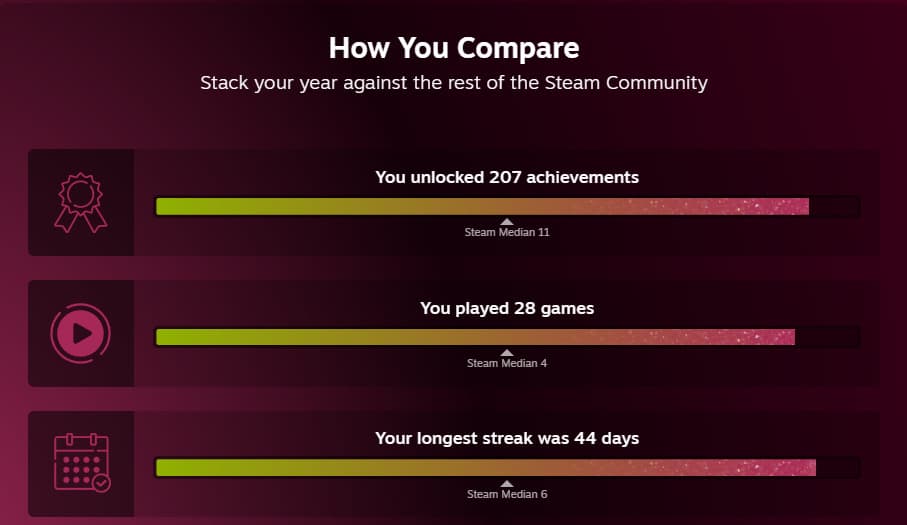
Next, the replay compares you with the rest of the Steam Community. It shows how many achievements you unlocked, games you played, and your longest gaming streak along with the "Steam Median" for all these.
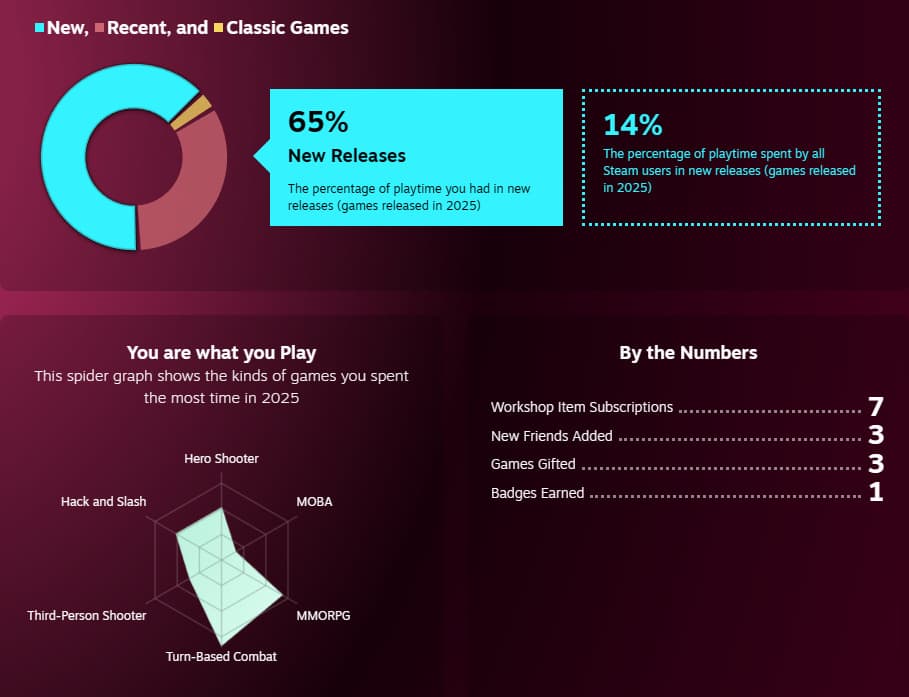
Game data follows:
- % share of New, Recent, and Classic releases
- A spider graph with game genres
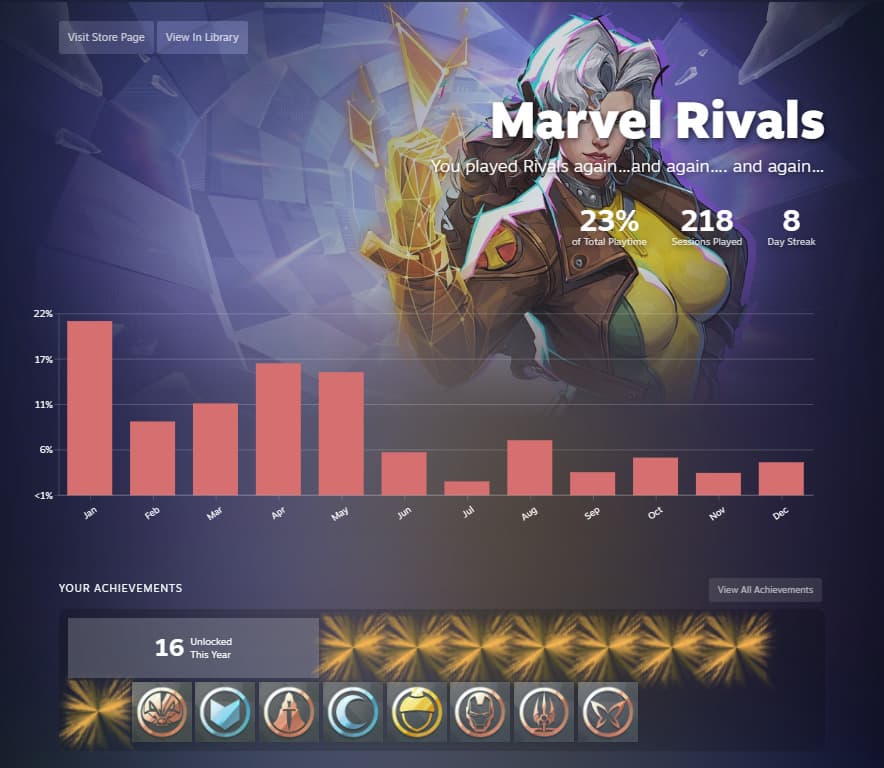
Then a deep dive into your most-played games comes next. This will have the following information for each game:
- % of total playtime
- Sessions played
- Longest streak length
- Bar chart of % playtime monthly
- Achievements unlocked this year
Your playtime data gets stacked at the end, so you can see your total playtime by month. Below is an example of one for my personal replay that featured Marvel Rivals. I fully expect this to be higher next year with Deadpool coming out.
Nearing the end, it shows your Controller playtime, sessions, and games, followed by your longest daily streak and the games you played during it. Finally, you can see all the games you played this year in both a timeline view and a grid view.
How to view past Steam Replays
At the bottom of the Steam Replay, you will have the option to feature it on your Steam Profile.

If you scroll down a bit more, you'll see buttons to view Steam Replays for 2022, 2023, and 2024. Simply click the button for which year you want to view your Replay in.
For more Gaming news, stick around esports.gg.


