


Discord Checkpoint recaps your 2025 on their platform! Find out who your Discord buddy is, your most-used emote, and more.
Discord is now offering a yearly recap, like many other platforms. Discord Checkpoint provides a review of your behavior and activities on the platform. Here's how you can get your recap and what stats are included with Discord Checkpoint 2025.
Get your Discord Checkpoint 2025
The first time you open Discord after Checkpoint goes live, there will be a small pop-up in the top-right corner of your window. You can click the Discord Checkpoint banner to view your recap.
Otherwise, the small Flag icon in the top-right is how you get your recap. Once in, you can press Space or the Arrow in the bottom-right corner of the screen to go through the recap.
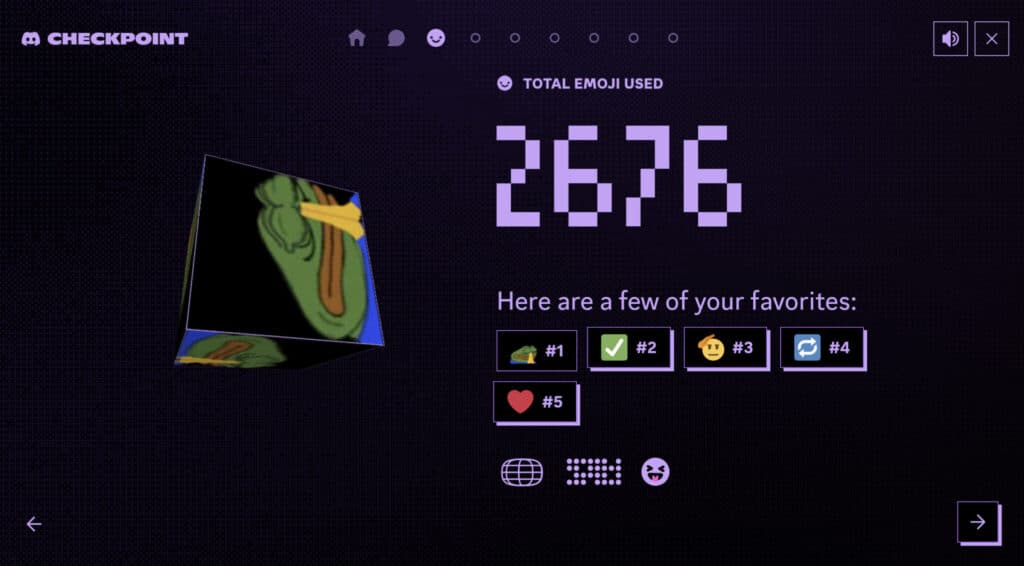
The included stats are:
- Messages Sent
- Global placement
- Total Emojis Used
- Top five emojis used
- Hours in Voice
- Global placement
- Favorite Servers
- Messages Sent and Hours in Voice for the top server
- Top three servers
- Your Discord Squad
- Top three Discord friends you spent the most time with
- Your Discord Sidekick
- DMs sent and Hours in Voice
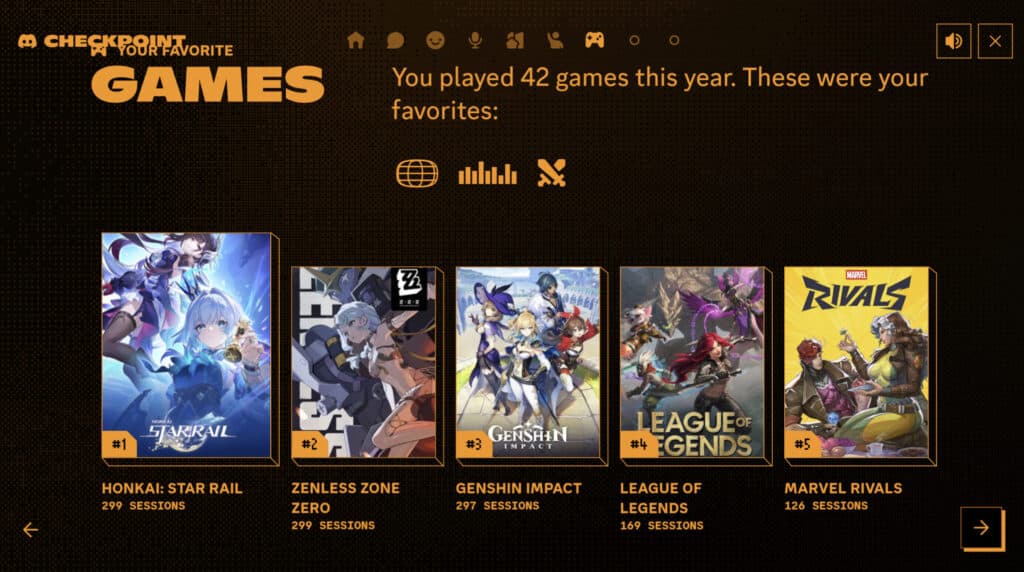
- Top five games
- Sessions
- Quests Completed and Orbs Gained
At the end of the recap, Discord will give you a Deco you can use to spice up your profile. It also has a button to share a summary of the Checkpoint to your favorite Discord servers.
You can view your recap again at any time by clicking on the Flag icon in the top-right corner of your Discord window.
As 2025 concludes, many more platforms are now allowing users to view their yearly recap. Here's a guide on how you can view your VALORANT Flashback.


