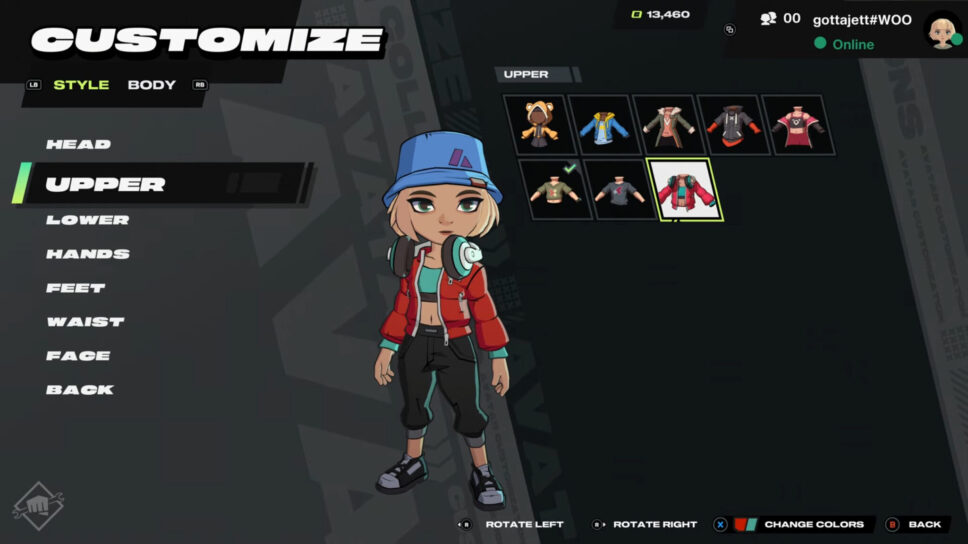
Here's how to edit your appearance in 2XKO lobbies!
In 2XKO, you have the option of customizing your in-game avatar. This avatar represents you in the game’s lobbies, allowing you to show off your personal style. Read on for our quick guide on how to customize your 2XKO avatar!
How to customize your 2XKO avatar
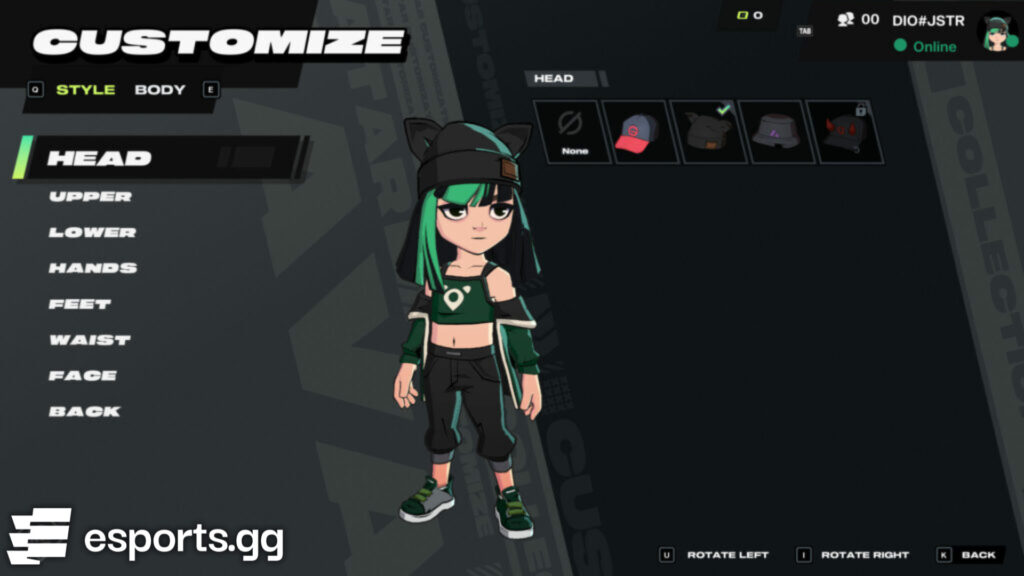
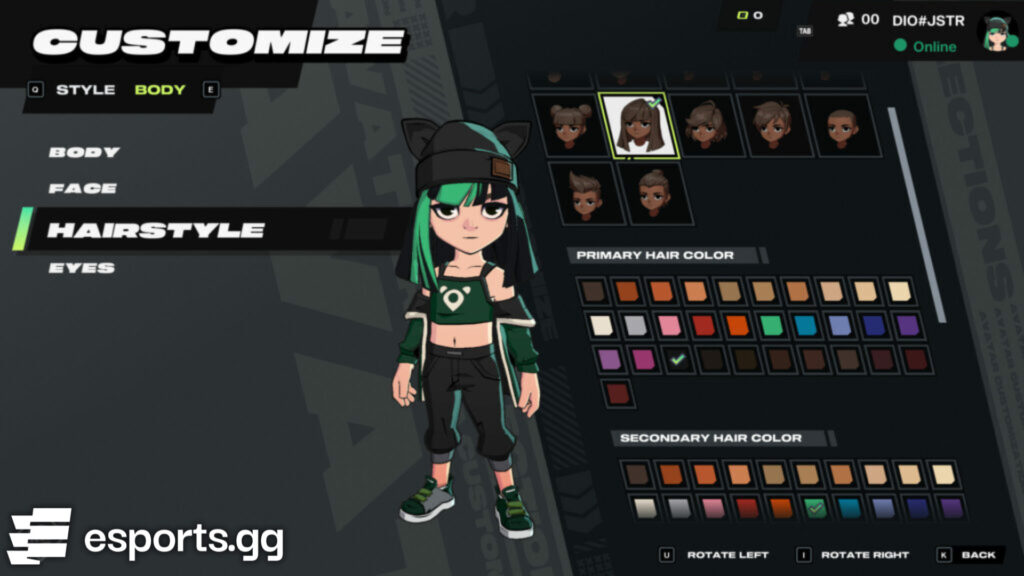
To customize what you look like as you walk around in 2XKO’s lobbies, head over to the “Collections” tab and edit your style and body. Style options include your head, upper body, lower body, hands, waist, back, and feet.
You can customize the color of your clothing and body as well. Instead of a default hair color and style, browse through and try on some different ones before saving your creation. You can match your style from real life or even create a completely unique look that stands out in the game.
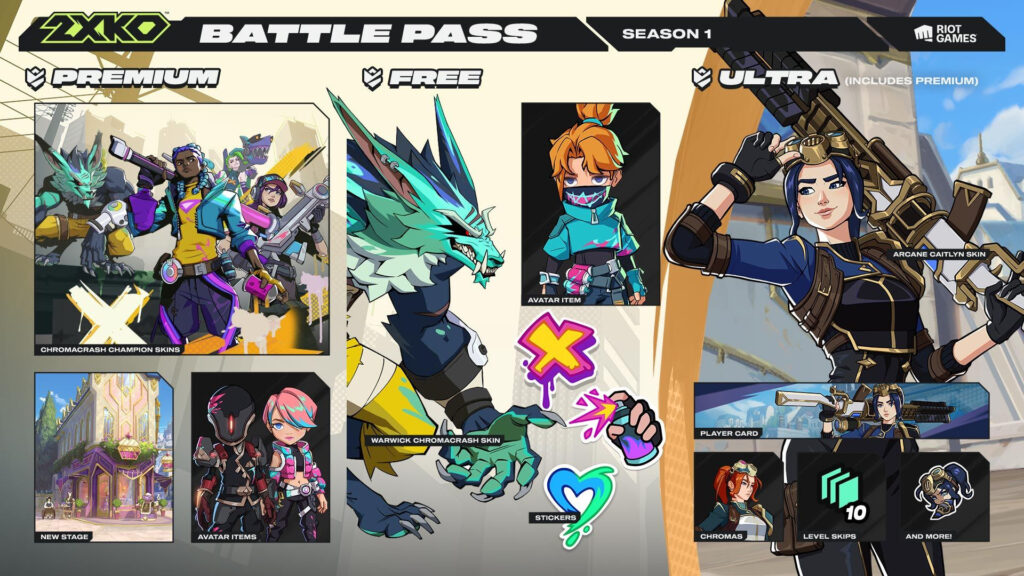
New customization options can also be unlocked by progressing through the 2XKO Battle Pass. The 2XKO Season 1 Battle Pass, for example, features free and paid tracks. The free one has one outfit to unlock while the premium version has two avatar items to add to your collection.
2XKO emotes and stickers
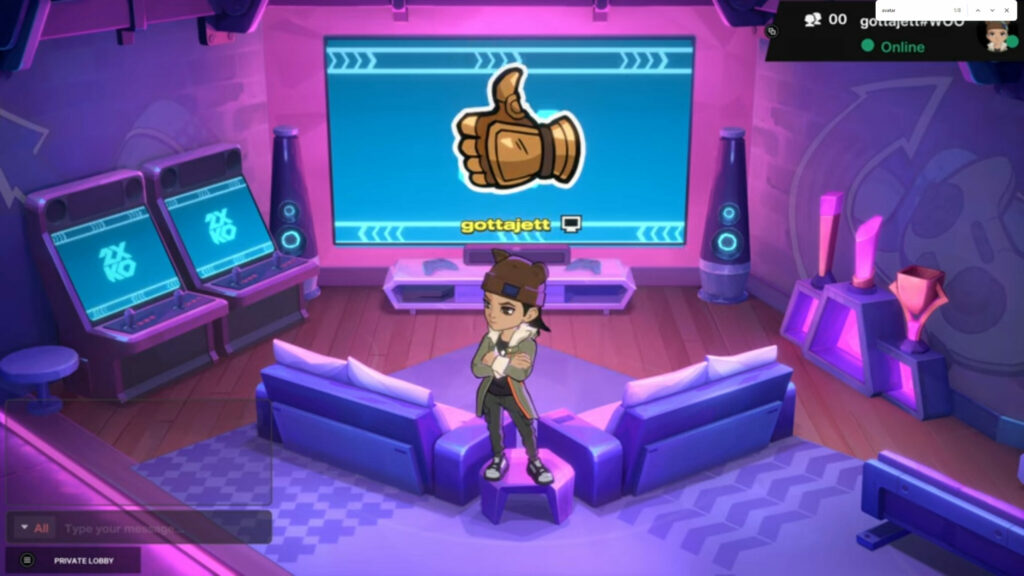
Another way to express yourself in a 2XKO lobby is by using emotes and stickers. For example, a couple of emotes include the cheering one or one that gives a thumbs up. Meanwhile, stickers show off an icon that’s located above your avatar.
How to unlock 2XKO skins
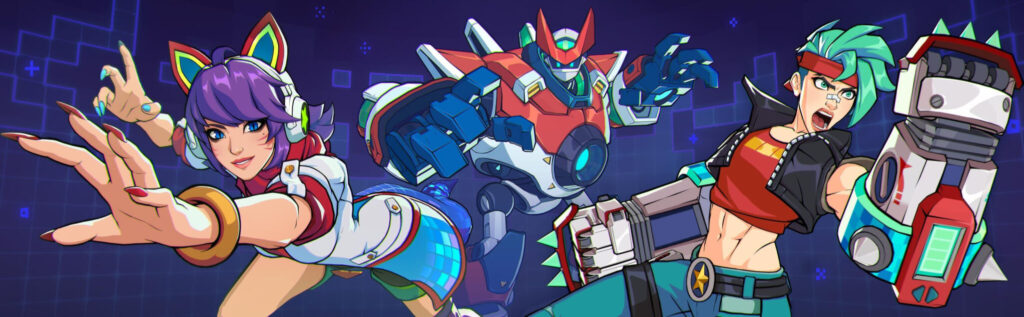
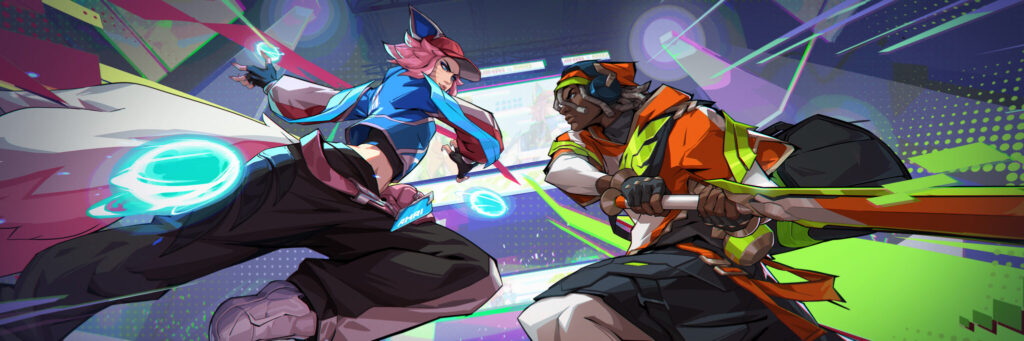
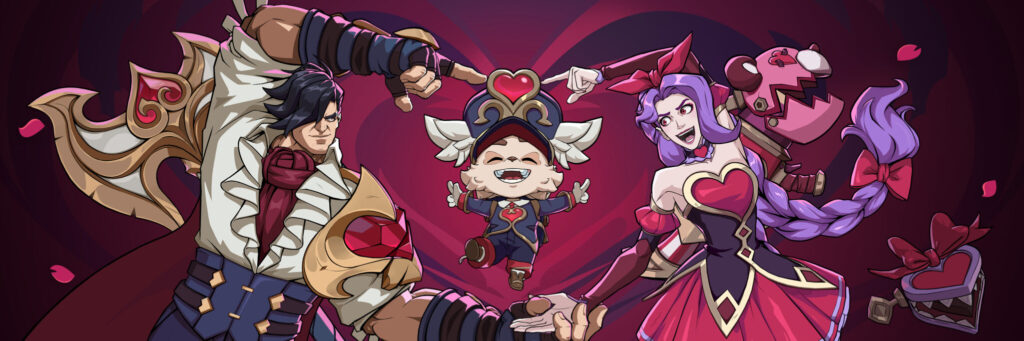
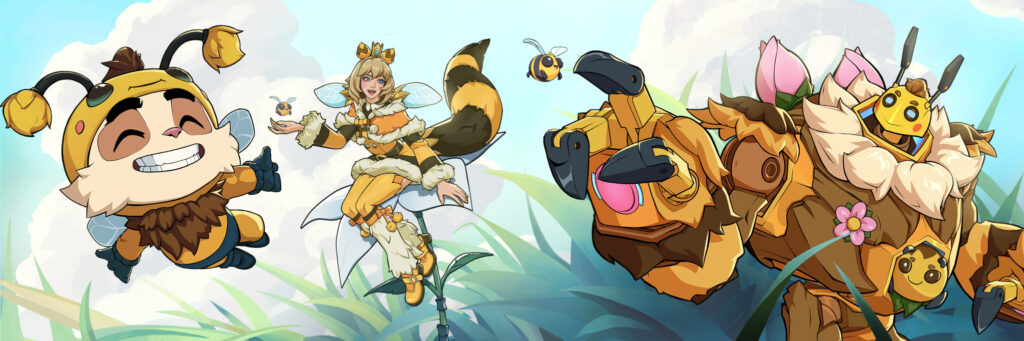
In terms of other 2XKO customizations, you can flaunt champion skins such as Arcade Vi, Heartseeker Jinx, Frame Perfect Ekko, Bees Teemo, Bladesong Yasuo, Dynasty Ahri, and more while duking it out against other players.
Bladesong Yasuo and Dynasty Ahri were free to unlock in the Battle Pass during the Alpha Lab playtest. Meanwhile, the Arcade, Frame Perfect, Heartseeker, and Bees skins are available via in-game bundles. Below is a gallery featuring all of these bundles.
That’s all for now. Stick around on esports.gg for more 2XKO news, guides, and updates!