

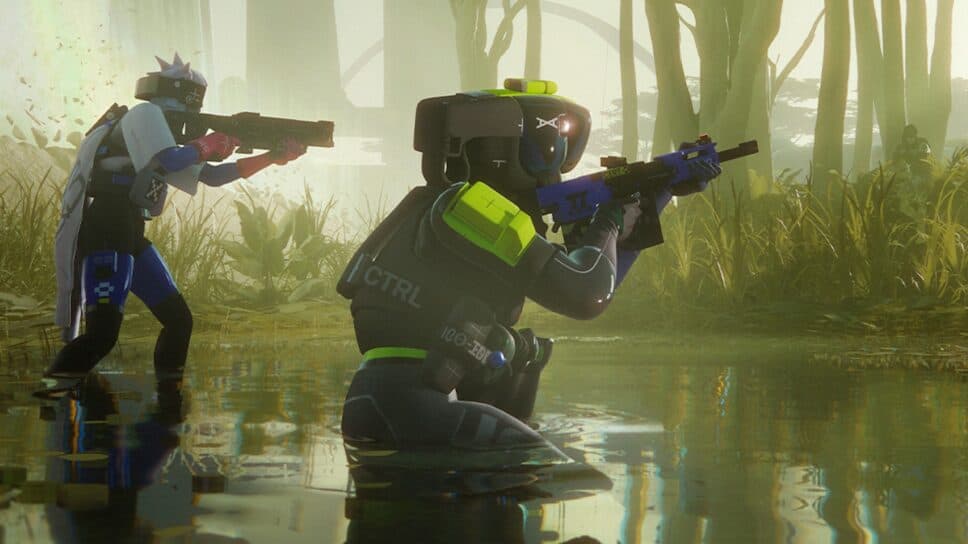
Make sure you’re getting the most out of your PC with the right settings in Marathon.
Marathon is a vibrant and fast-paced extraction shooter that can be quite demanding on your PC, even during idle times on the Perimeter or Dire Marsh maps. If you want to survive against strong AI, other Runners, and the elements of extraction, then you need to ensure your PC is outputting the most frames per second possible. The easiest way to do that is to use the best overall PC graphics settings in Marathon.
We'll go over every single graphics setting in the game below and tell you what each one should be set to.
Best PC settings in Marathon
There are a couple of different settings menus that you'll want to visit to increase your FPS as much as possible in Marathon. Those menus are "Video" and "Graphics," both of which you can find by selecting the cog icon in the bottom right of the main lobby menu.
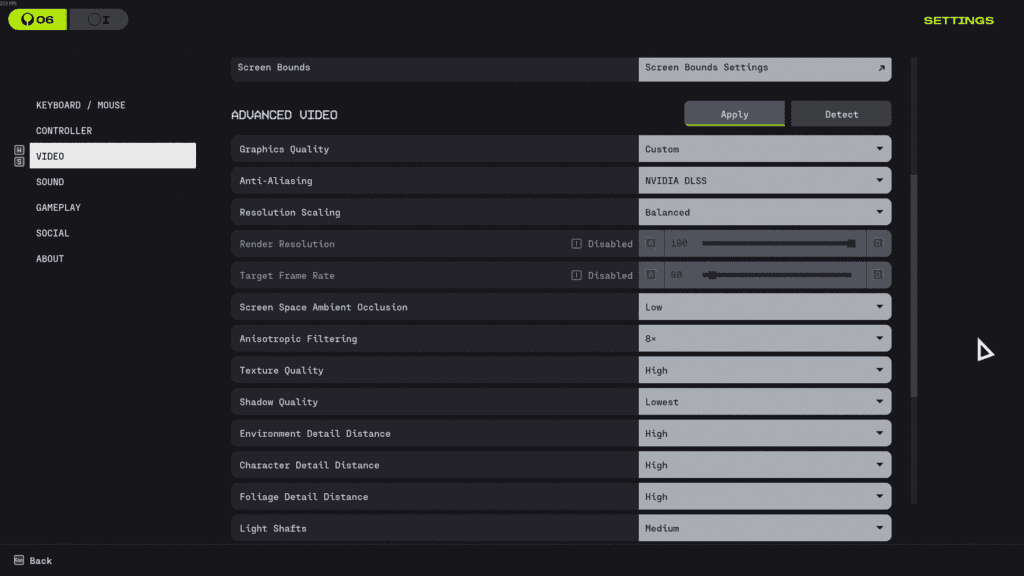
You can see what each setting should be set to in both of these menus below:
Video
- Window Mode: Fullscreen
- Resolution: 1920 x 1080 or your native resolution
- V-Sync: Off
- Framerate Cap Enabled: On
- Framerate Cap: Set to your monitor's maximum refresh rate
- Field of View: 105
- Brightness: 3-4
Advanced Video
- Anti-Aliasing: NVIDIA DLSS
- Resolution Scaling: Balanced
- Screen Space Ambient Occlusion: Low
- Texture Anisotropy: 8x
- Texture Quality: High
- Shadow Quality: Lowest
- Depth of Field: High
- Environment Detail Distance: Medium
- Character Detail Distance: Medium
- Foliage Detail Distance: Medium
- Foliage Shadows Distance: Low
- Light Shafts: Off
- Motion Blur: Off
- HDR: Off
- Chromatic Aberration: Off
- NVIDIA Reflex: On
- UI Refresh Rate: High
And there you have all of the PC graphics settings that are currently available in Marathon. It's possible that more could be added in the future to further customize how much performance you can get out of your PC, but the settings are fairly limited for now.


