

Lag or choppy gameplay in Highguard can be frustrating. Here’s how to fix Highguard’s stuttering, freezing, and connection issues.
If you're playing Highguard and the game looks choppy or starts stuttering, then you may be experiencing connection errors or lag. Read on for the solutions on how to fix connection issues and lag in Highguard.
How to fix Highguard lag
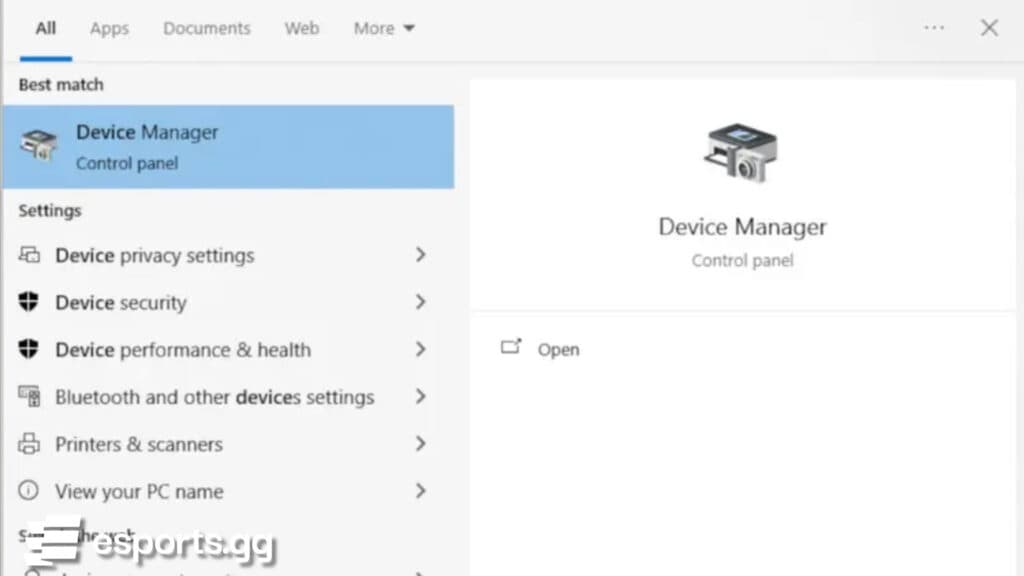
Lag in Highguard may be caused by outdated PC drivers. Therefore, make sure to update your drivers through the Device Manager and check if your Windows operating system is up to date.
- Search for "device manager" on Windows
- Click on a device category
- Right-click the driver that needs an update
- Choose the "Update driver" option
How to fix Highguard connection errors
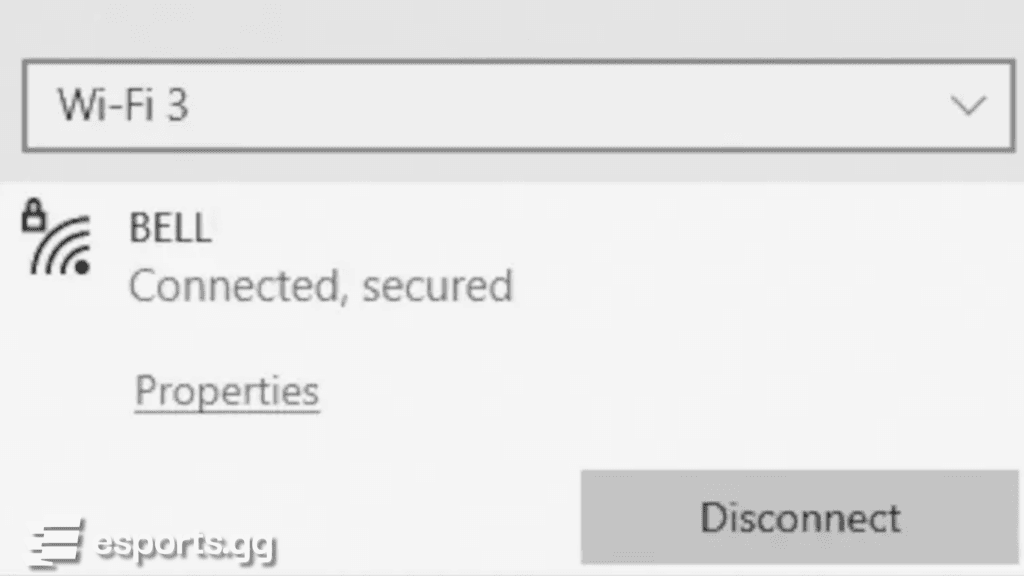
The issue may be your network connection. To reset it, shut down your PC and turn off and unplug your modem and router. Next, wait about 60 seconds before plugging the devices back in and allowing them to fully boot. Finally, start up your PC and launch Highguard.
- Shut down your PC
- Power down and unplug your modem and router
- Wait a minute before plugging everything back in
- Wait for everything to boot up
- Start up your computer PC
- Launch Highguard again via Steam
Check the Highguard system requirements
You can also check if your PC meets the minimum Highguard system requirements in the first place. Below are the minimum and recommended specifications needed to run the game smoothly.
Highguard minimum system requirements
Requirement | Minimum Specification |
|---|---|
| OS | Windows 10 (64-bit) |
| Processor | Intel Core i5-6600K or AMD Ryzen R5 1600 |
| Memory | 8 GB RAM |
| Graphics | Nvidia GTX 1060 6GB or AMD RX 580 8 GB |
| DirectX | Version 12 |
| Network | Broadband internet connection |
| Storage | 25 GB of available space, SSD |
Highguard recommended system requirements
Requirement | Recommended Specification |
|---|---|
| OS | Windows 11 (64-bit) |
| Processor | Intel Core i5-9600K or AMD Ryzen 5 3600 |
| Memory | 12 GB RAM |
| Graphics | Nvidia RTX 2080 8 GB or AMD RX 6650 XT 8 GB |
| DirectX | Version 12 |
| Network | Broadband internet connection |
| Storage | 25 GB of available space, NVMe SSD |
Cannot play Highguard
If errors persist, then the issue may be on the server side. You can check Highguard's subreddit or X to see if there are reports of outages or maintenance. If multiple players report the same problem, then you may simply need to wait until the servers are restored.
That's all for now. Stick around on esports.gg for more Highguard news and updates.


